
Within Controls Guide: Puzzles, Settings, and Car Help
Learn Within controls through puzzle interactions, subtitle settings, and car troubleshooting. Get practical tips for the full game and its free PC demo.
Jump to
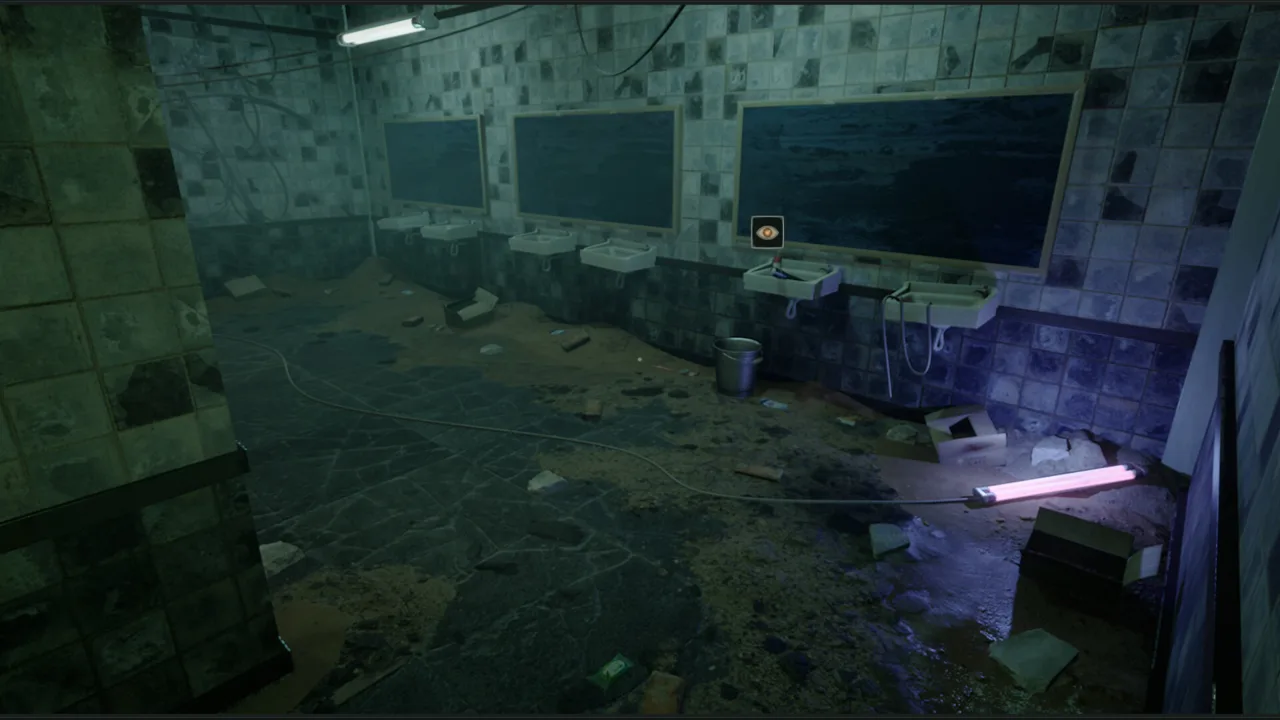
Within Controls: Start With the Right Actions
A stubborn puzzle or an unresponsive car can interrupt Within’s tension faster than anything lurking around the corner. Learning Within controls matters because exploring, understanding instructions, and operating puzzle objects are central to this first-person thriller. Get comfortable with Within controls by paying attention to each interaction, reading dialogue subtitles, and checking what changes after you act.
Within follows a dangerous investigation through grim locations, with environmental puzzles woven into the journey. Your immediate challenge is often figuring out what an object does and how it connects to the surrounding clues. Pressing buttons repeatedly offers little help when the missing piece is an instruction you overlooked.
Focus on the action in front of you. Read a note carefully, examine a puzzle’s current arrangement, or check whether a barrier has actually opened before moving on. When an interaction displays an input prompt, follow that prompt rather than importing a familiar button assignment from another game.
Here are the activities to keep in mind as you learn the game:
| Activity | What it involves | What to pay attention to |
|---|---|---|
| Exploration | Moving through locations during the investigation | Nearby objects and environmental clues |
| Reading | Interacting with notes | The wording of instructions |
| Puzzle solving | Working with mechanisms, including levers | The arrangement before and after an action |
| Light-related progression | Advancing through a section using light | How light connects to the obstacle |
| Camera avoidance | Successfully bypassing cameras | The area ahead before committing to a route |
| Axe use | Breaking down doors with an axe | The specific obstacle you are trying to clear |
These activities give you a useful foundation without turning every problem into a keyboard problem. If a lever responds but the puzzle remains unfinished, shift your attention to the puzzle logic. If entering a car leaves you unable to act, check the circumstances of entry.
Keep that distinction in mind throughout this Within controls guide: an action can register correctly without producing the result you expected.
Use Subtitles to Understand Puzzle Instructions
Within’s main game includes subtitles for every line of dialogue and a volume control setting. Those features matter when spoken instructions carry information you need for a puzzle.
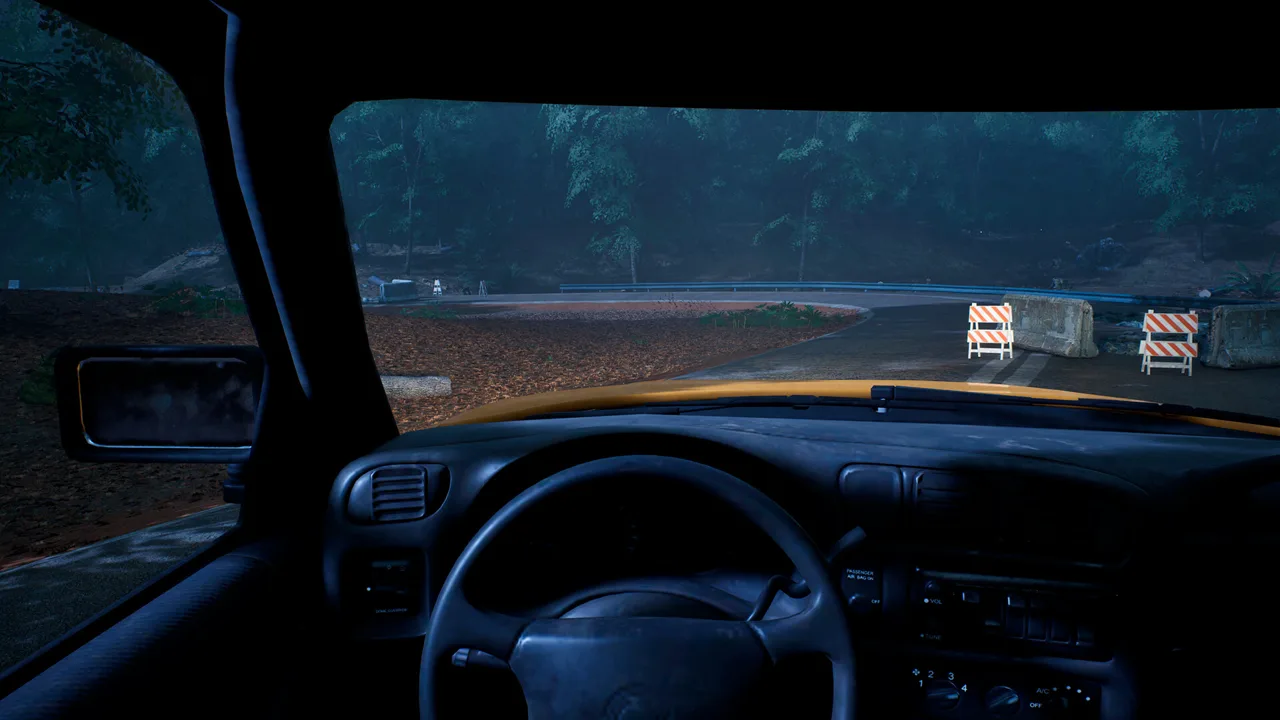 Image: Steam / AleksandrGlock
Enable subtitles before working through dialogue-heavy sections, if they are not already displayed. Read the complete instruction before starting to manipulate nearby objects. A phrase that sounds like background chatter can be the part that explains your next task.
The older demo drew complaints about difficult-to-understand walkie-talkie dialogue, particularly around the clock and tombstone puzzle. The main game adds dialogue subtitles and volume adjustment, so use those features when learning Within controls instead of relying entirely on the voice track.
| Feature or version | Relevant detail | Practical use |
|---|---|---|
| Main-game subtitles | Every dialogue line has subtitles | Read instructions while listening |
| Main-game volume setting | Volume can be adjusted | Set a comfortable listening level |
| Older demo dialogue | Walkie-talkie speech caused comprehension problems | Separate unclear wording from an interaction problem |
| Notes | Reading a note earns Mysterious Stranger | Give written information your attention |
Reading a note also earns the Mysterious Stranger achievement. That makes notes a concrete part of the game’s interactions, alongside the mechanisms you operate.
Before attempting a puzzle, organize its instruction into a few plain questions:
- Which objects does the instruction mention?
- What action does it ask you to perform?
- Does it describe a relationship between objects?
- What result are you trying to produce?
Use the answers to guide your next interaction. Avoid changing an entire arrangement simply because one part of the instruction was unclear.
For example, if you are looking at the clock and tombstones, separate the clue’s wording from the physical task. Understanding what the instruction asks comes before deciding which object to manipulate. Clicking through possibilities while guessing at the dialogue makes both parts harder to follow.
Within controls become easier to manage when you know why you are performing an action. Keep the clue and the object connected in your thinking, especially when several interactable objects occupy the same area.
Handle Puzzles One Change at a Time
Within includes a clock and tombstone puzzle, a lever puzzle, and a puzzle in an abandoned warehouse. Its achievements also mark progression involving light, camera avoidance, and axe-driven door breaking.
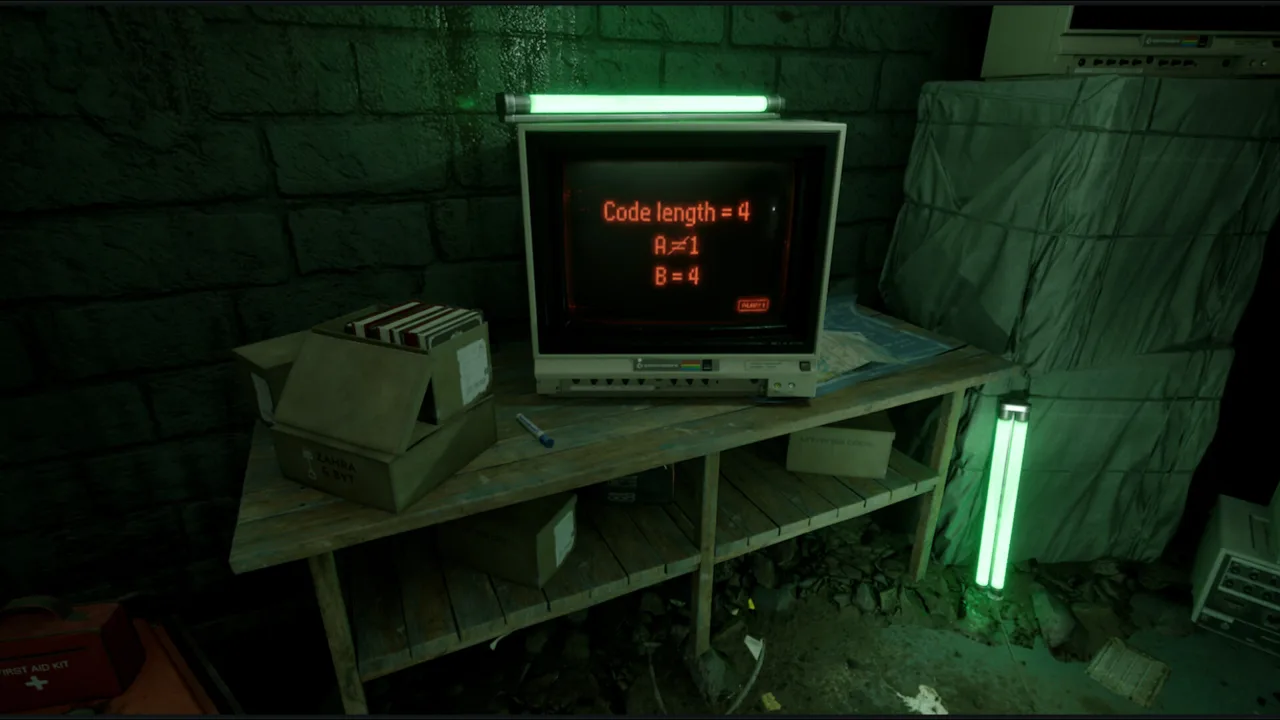 Image: Steam / AleksandrGlock
Each challenge asks you to interpret a different situation. Approach the controls with a specific goal: change a mechanism, clear an obstacle, or move through a hazardous area. Avoid assuming that every object responds in the same way.
Keep Track of Lever Positions
When working with levers, examine their starting positions before changing anything. Operate one, then look for a response elsewhere in the puzzle area.
One demo situation at the docks involved levers positioned down and a light turning red without an obvious resolution. Do not assume that moving every lever to the same position completes the task. Read the surrounding clue and observe the result of each change.
For your own puzzle notes, record:
- The position of each lever.
- Any visible indicator, including its color.
- Which lever you changed.
- What happened immediately afterward.
This is a method for keeping your attempts understandable. It does not require guessing a sequence or treating a colored light as proof of success.
Match the Interaction to the Obstacle
The achievement list gives several concrete examples of actions you will encounter:
| Achievement | Required action |
|---|---|
| Mysterious Stranger | Read one of the notes |
| Master of Light | Advance further using light |
| Can't Catch Me | Successfully bypass the cameras |
| The Shining | Break down three doors with an axe |
| Truly Challenging | Solve the lever puzzle |
| Rest in Peace | Solve the puzzle in the abandoned warehouse |
Use these examples to recognize the kind of problem in front of you. For a light-related obstacle, study the role of the light. For an axe-related door, focus on the door-breaking task. For cameras, examine the route before advancing.
The The Shining achievement specifically requires breaking down three doors with an axe. Keep that condition separate from simply finding or carrying the tool.
Likewise, operating a lever and solving the lever puzzle are different accomplishments. A responsive mechanism tells you the interaction worked; the puzzle still requires the correct solution.
When practicing Within controls, pause after each meaningful action. Watch the mechanism, check the surrounding area, and compare the result with your intended goal. That habit reduces the temptation to repeat an input that already registered.
Car Controls: Check the Barrier and Your Entry Position
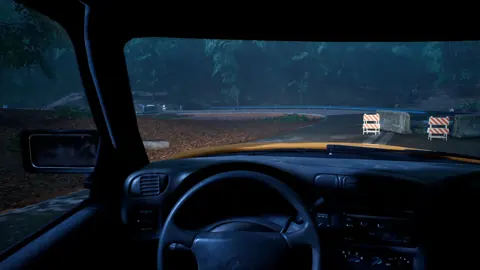
The car is one place where a control problem can become especially confusing. Its intended behavior is tied to the barrier: once the barrier is raised and the “I can go now” prompt appears, the car should be drivable.
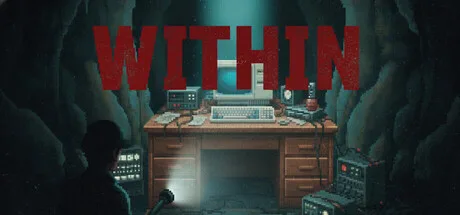 Image: Steam / AleksandrGlock
Approach it from ground level. Entering while standing on top of the car can cause abnormal behavior.
That distinction matters because a failed interaction here does not automatically mean you missed another puzzle clue. The entry position itself can create a problem, even after the barrier has opened.
| Situation | What to check | Next action |
|---|---|---|
| You are preparing to enter | Whether the barrier is raised | Complete the barrier interaction before entering |
| The barrier has opened | Whether “I can go now” appeared | Approach the car from the ground |
| You are standing on the car | Your entry position | Step down before attempting entry |
| You entered correctly but cannot act | Whether the same problem persists | Record the circumstances for a bug report |
Follow this sequence when dealing with the car:
- Check that the barrier has risen.
- Look for the “I can go now” message.
- Stand beside the car at ground level.
- Enter from that position.
- If the car remains unresponsive, document exactly what happened.
Do not keep entering from an unusual position while trying different inputs. Return your attention to the barrier state, the message, and where your character was standing.
A useful report distinguishes between “the car did not move” and “I entered from ground level after the barrier rose and the message appeared.” The second description gives the developer a reproducible situation to investigate.
This part of Within controls is about recognizing when the intended interaction has failed. Once you have checked those conditions, repeated clicking adds little information. Capture the symptom and preserve the order of events instead.
Separate Demo Problems From Main-Game Input Issues
The free Within Demo is a separate Windows release, and its older build has its own technical problems. Keep the version in mind when troubleshooting Within controls.
An older demo issue can freeze the opening sequence after a button press while leaving the application running. That situation calls for technical troubleshooting; working through more input combinations does not help explain a scene that has stopped advancing.
The main game also has a dedicated bug-report thread in its Steam Community hub. Use it for crashes, unresponsive interactions, or other technical problems, and include enough detail to make the issue understandable.
Build your report around:
- The issue: Describe what stopped working.
- The preceding action: Explain what you did immediately before it happened.
- The version: Identify whether you were playing the demo or full game.
- Your system: Include Windows version, graphics card, processor, and RAM.
- Visual evidence: Add a screenshot or short recording when useful.
For an interaction problem, describe the object and its state. Mention whether a barrier was open, whether a message appeared, or whether the scene stopped immediately after an action.
For a puzzle problem, separate unclear instructions from an object that does not respond. “I do not understand the clue” and “the lever does nothing when operated” point to different issues.
You can download the free Within Demo on Steam to explore its atmosphere and puzzles, or get the full version of Within on Steam for the main-game experience. Remember that the main game includes the dialogue subtitles and volume setting discussed above.
FAQ
How should I learn Within controls?
Start with the interaction you need to perform: reading a note, operating a puzzle mechanism, breaking a door, or entering the car. Follow displayed input prompts, read dialogue subtitles, and check the result after each action.
Why can’t I drive the car after opening the barrier?
The car should be drivable after the barrier rises and “I can go now” appears. Enter from ground level; entering while standing on top of the car can cause abnormal behavior. If it remains unresponsive, report the entry position and barrier state.
Does Within have subtitles?
The main game includes subtitles for every dialogue line and a volume control setting. Use them to follow spoken instructions, especially when working through puzzles involving dialogue clues.
Why does the Within Demo freeze after a button press?
An older demo build has an opening-sequence freeze that can leave the application running without advancing the scene. Identify it as a demo issue when reporting it, and include the triggering action, your system specifications, and a screenshot or recording.
Continue with
 Within Story Explained: The Mystery Behind the HuntExplore the Within story, its hunter-to-prey premise, puzzle clues, and dark atmosphere. Learn what to watch for before entering the first-person thriller.
More in Features
Within Language Support: English, Russian, and Audio
Within language support covers English and Russian. Compare full-game and demo audio, explore subtitle updates, and get clearer puzzle hints as you play.
Within Walkie Talkie Dialogue: Clues and Audio Help
Struggling with Within walkie talkie dialogue? Get listening tips, understand the clock puzzle confusion, and learn how demo and full-game hints differ.
Within Subtitles: Language Support and Dialogue Guide
Explore Within subtitles, English and Russian language support, and dialogue tips to help you follow the story and keep track of important puzzle clues.
Within Trailer and Screenshots: A Gameplay Preview
Explore Within trailer and screenshots, compare the intro and gameplay previews, and get a closer look at puzzles before trying the free demo on Steam.
Join the community
Official channels for news, updates and player help: