
Within Beginner Guide: Puzzle Tips and Getting Started
Use this Within beginner guide to get started, read puzzle clues, handle camera sections, and avoid common demo issues before exploring the full PC game.
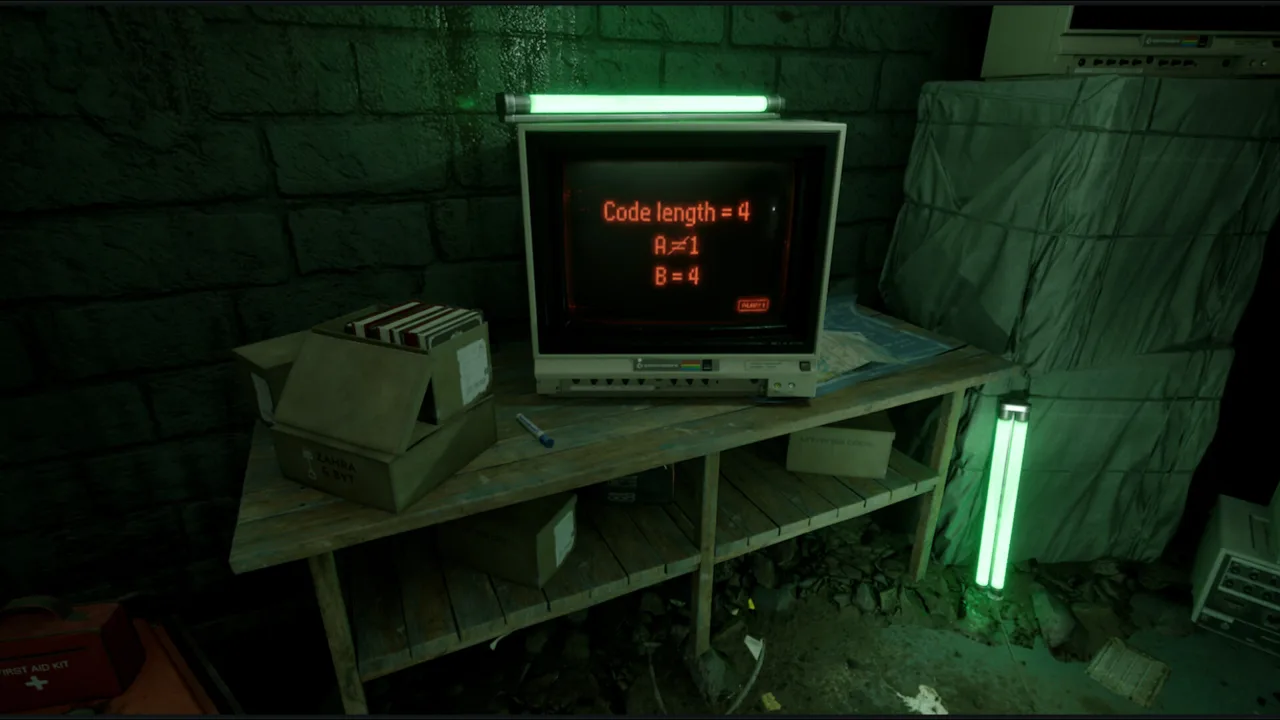
Understand What Within Asks You to Do
A sinister location becomes much harder to escape when you rush past the clue you need. This Within beginner guide helps you approach its puzzles with a clear plan and keep your attention on the mystery. Use this Within beginner guide to prepare for your opening session, recognize different obstacles, and work through confusing moments without spoiling the story.
Within is a single-player, first-person thriller built around exploring grim locations, solving puzzles, and unraveling a crime. Your pursuit of a dangerous criminal gradually puts you in danger yourself. The developer also describes it as a dark walking simulator with puzzle elements, so give investigation and observation room alongside the tension.
| Feature | What to expect |
|---|---|
| Perspective | First-person exploration |
| Player format | Single-player |
| Main activities | Exploring locations, solving puzzles, and following a crime mystery |
| Atmosphere | Dark environments, danger, and a growing sense of vulnerability |
| Platform | Windows PC |
| Trial option | A free Steam demo |
Keep your attention on what the environment and dialogue are asking you to understand. A threatening setting can make you want to hurry, but puzzle solving calls for careful reading and deliberate choices.
The full game is available on Steam. If you want to try its atmosphere before buying, download the free Within demo. The demo uses an older build, while the full game includes additions such as dialogue subtitles and a volume control setting.
Start with one manageable goal: understand the obstacle in front of you. You do not need to solve the entire mystery while examining a single room.
Prepare Your Opening Session
Begin your Within beginner guide checklist with dialogue clarity. Spoken instructions matter, and the demo’s walkie-talkie dialogue has caused confusion for players tackling puzzles. In the full game, subtitles cover every line of dialogue.
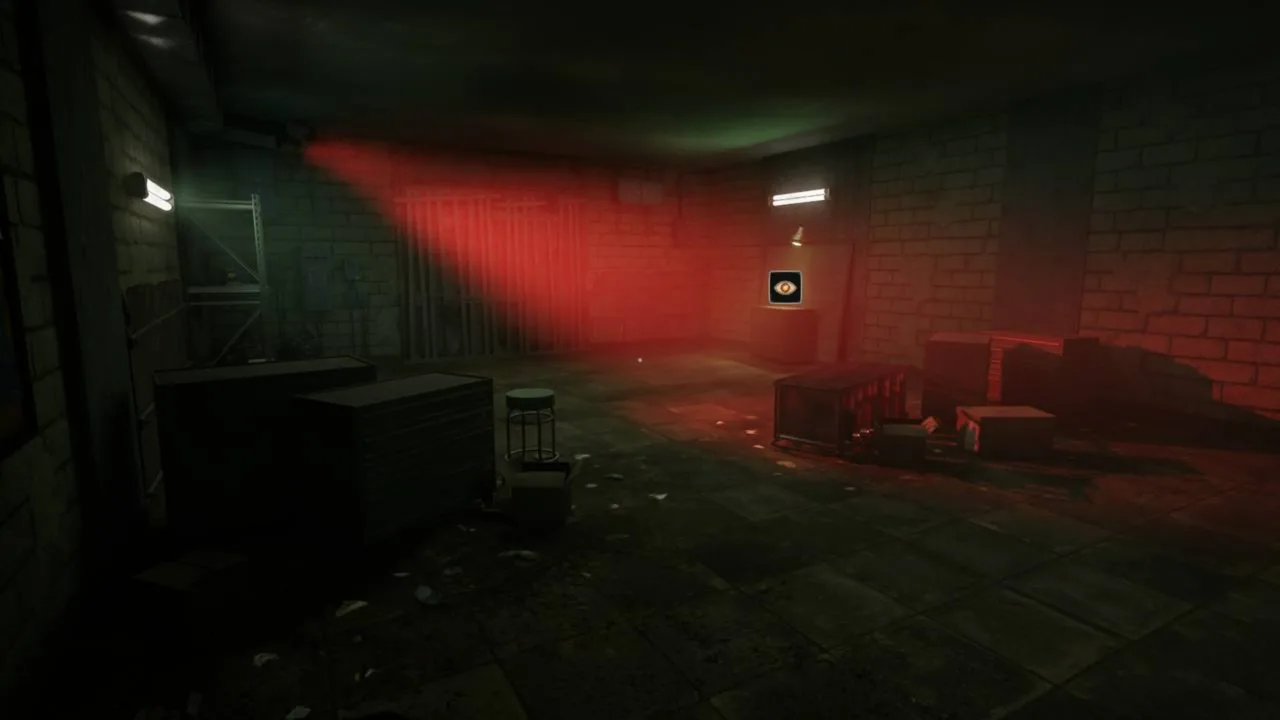 Image: Steam / AleksandrGlock
Read those subtitles carefully, especially when a character explains an objective. Adjust the volume setting to make speech comfortable to follow. If an instruction contains several parts, write them down before attempting the puzzle.
Avoid relying on a half-remembered sentence. There is a meaningful difference between knowing which objects matter and knowing what you must do with them.
Build a Small Clue Notebook
Keep your notes short enough to scan while playing. Separate the instruction from your interpretation so a mistaken assumption does not become part of the clue.
For example, record a phrase about a clock exactly as you understand it, then put your theory underneath. When you revisit the puzzle, you can reconsider the theory without losing the original information.
| Preparation task | What to record or check |
|---|---|
| Read dialogue subtitles in the full game | The complete instruction, including references to objects |
| Read a discovered note | Names, wording, and details that relate to the current obstacle |
| Examine the puzzle | Which elements you can interact with and their current positions |
| Choose an attempt | The clue that supports your proposed action |
| Review the result | What visibly changed and what still blocks progress |
Reading a note also connects directly to the Mysterious Stranger achievement. Its requirement is to read one of the notes, making it a straightforward reason to start paying attention to written material.
Keep story notes and puzzle notes separate if your notebook becomes crowded. Character information helps you follow the mystery; puzzle instructions help you decide what to do next. Both deserve attention, but you should be able to find the relevant instruction quickly.
Finish reading before interacting. That small pause helps prevent a tense scene from turning into a string of guesses.
Explore With a Purpose and Solve Puzzles Deliberately
Use this Within beginner guide routine whenever you reach an unfamiliar puzzle: inspect the obstacle, collect its nearby context, form a specific idea, and then test that idea.
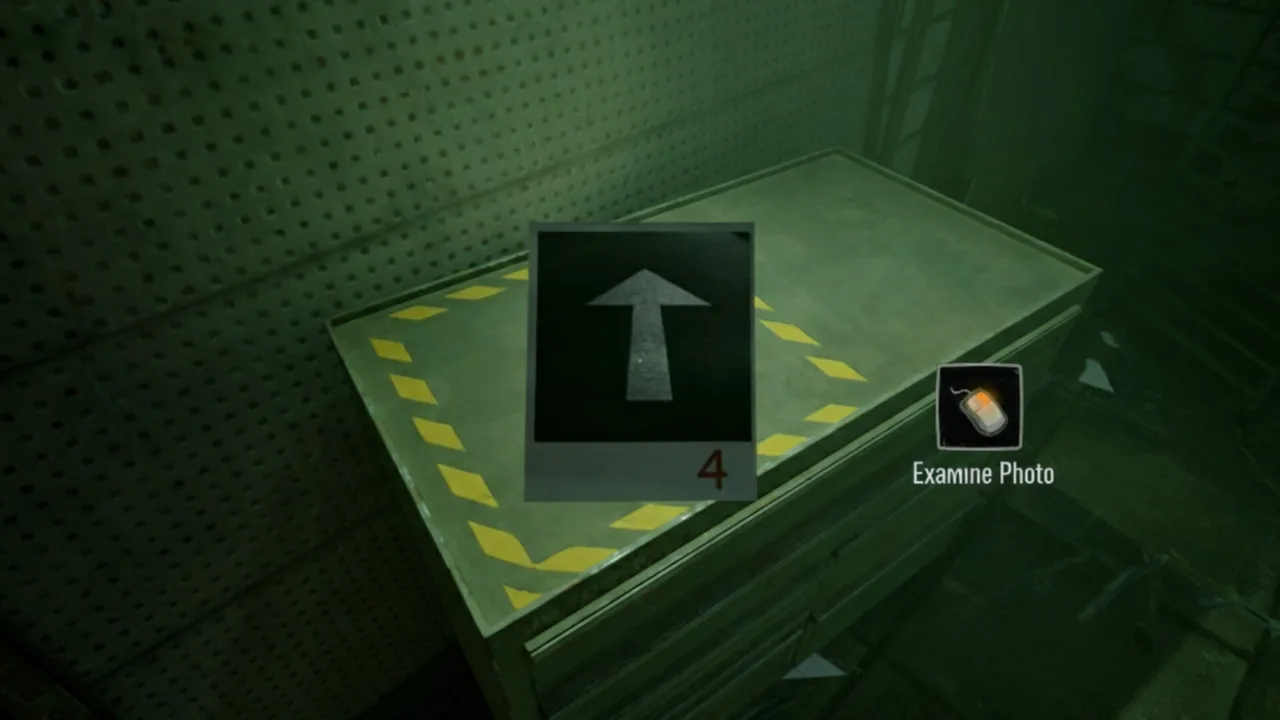 Image: Steam / AleksandrGlock
Exploration and puzzle solving belong together in Within. Move through a location with a question in mind: What information would explain the thing blocking my progress?
That question gives your search direction. Instead of repeatedly revisiting everything, focus on material that relates to the current obstacle. Read written clues, listen to instructions, and examine the puzzle’s interactive elements.
Keep Each Attempt Understandable
Before changing anything, note the current arrangement. Where the puzzle allows it, change one element at a time and examine the response.
This is advice for keeping your reasoning organized, rather than a solution sequence. If you change several things together, you can lose track of which action produced a response.
Use the same discipline when nothing happens. Revisit the instruction and compare it with your attempt before trying another arrangement.
| Puzzle or obstacle | Directly related activity | How to approach it |
|---|---|---|
| Written notes | Reading and gathering context | Read the complete text before deciding which details matter |
| Light-related progression | Advancing using light | Examine how the light relates to the obstacle |
| Camera section | Bypassing cameras | Identify the cameras before committing to a route |
| Axe interaction | Breaking down doors | Connect the tool to the doors involved in the task |
| Lever puzzle | Solving a lever arrangement | Record positions and compare each attempt with the clue |
| Abandoned warehouse | Solving a location-specific puzzle | Gather the warehouse’s context before attempting a solution |
These activities appear in Within’s achievement descriptions. They give you a useful preview of the kinds of tasks ahead without revealing their answers.
Read Feedback Without Jumping to Conclusions
After an interaction, inspect the surrounding puzzle and the route you are trying to open. A changed indicator is something to investigate; your next action should still follow the clue.
Keep your observations precise. “The light changed” is more useful than “I solved it” when the obstacle remains in place.
The same principle applies to levers. Reaching a uniform arrangement does not explain why that arrangement answers the puzzle. Connect the positions to the instruction before deciding your work is finished.
The central puzzle-solving habit in this Within beginner guide is simple: keep the clue, your action, and the result connected. When those three pieces stop making sense together, return to the clue.
Handle Confusing Puzzles and Interaction Problems
Some frustrating moments call for a fresh reading of the puzzle. Others involve an interaction problem. Pay attention to the difference so you can choose a useful next step.
 Image: Steam / AleksandrGlock
Work Through the Demo’s Clock and Tombstone Puzzle
The clock and tombstone puzzle is a stumbling block in the demo, especially when the walkie-talkie instruction is difficult to understand.
Start by writing down the instruction you can hear. Examine the clock and tombstones with that wording in mind, and keep track of the positions you change. Avoid building an entire solution around one unclear fragment of dialogue.
If you are playing the full game, use its dialogue subtitles to capture the complete wording. That improvement directly addresses the problem of struggling to understand spoken instructions.
Give yourself room to reconsider an interpretation. Spending longer on a puzzle does not make an unsupported guess more useful; returning to the wording does.
Approach Camera, Light, and Lever Tasks Carefully
Within includes progression involving light, bypassing cameras, and solving a lever puzzle. Treat each as its own task.
For a camera section, inspect the cameras and the surrounding route before moving ahead. For a light-related obstacle, examine the relationship between the light and the space you need to navigate. For levers, write down the arrangement and the clue you are trying to satisfy.
Keep your attention on the current objective. An interaction that was useful earlier does not automatically explain a different puzzle.
Enter the Car From the Ground
The car interaction has a specific condition: the barrier should be raised before the car works. The developer also identifies standing on the car while entering it as a cause of strange behavior.
Use this sequence for that interaction:
- Raise the barrier.
- Look for the “I can go now” prompt.
- Approach the car while standing on the ground.
- Enter from beside the vehicle.
A separate report describes the car remaining unusable after the barrier opened. If that happens, record the barrier’s state, whether the prompt appeared, and where you stood when entering.
Keep this Within beginner guide distinction in mind: a puzzle clue helps explain an intended action, while an unusable interaction needs a clear description of what happened.
Describe Technical Problems Precisely
If the game crashes or an interaction stops responding, record the action immediately before the problem. Include your operating system, graphics card, processor, and RAM when reporting a technical issue.
A screenshot or short recording can also show the exact state of an obstacle. “The car stopped responding after I entered from beside it with the barrier raised” gives more useful information than “I’m stuck.”
Choose Between the Demo and Full Game
Use the demo to experience Within’s atmosphere, exploration, and puzzle storytelling. Keep its age in mind when comparing it with the full game: the developer calls the demo a very old build, and the full game adds subtitles for all dialogue plus volume control.
The two versions also have different minimum memory and storage requirements.
| PC requirement | Full game | Demo |
|---|---|---|
| Operating system | Windows 10 / 11, 64-bit | Windows 10 / 11, 64-bit |
| Minimum processor | Intel Core i3 | Intel Core i3 |
| Minimum RAM | 16 GB | 12 GB |
| Recommended processor | Intel Core i5 | Intel Core i5 |
| Recommended RAM | 32 GB | 32 GB |
| Available storage | 10 GB | 5 GB |
Check your PC before downloading, particularly available storage and installed RAM. Keep the demo and full-game requirements separate when planning an installation.
The demo also has reports of freezing during an opening cutscene after a button press. Record that as a technical problem if you encounter it, including the point where the scene stopped progressing.
For this Within beginner guide, the practical choice is straightforward: try the free demo to sample the experience, or get the full version of Within on Steam for the complete game and its dialogue improvements.
FAQ
What should I focus on when using a Within beginner guide?
Focus on reading notes, understanding dialogue, and connecting clues to the current obstacle. Record puzzle positions and review what changes after an attempt so your next action follows a clear idea.
Is Within a single-player game?
Yes. Within is a single-player, first-person thriller centered on exploration, puzzles, and a crime mystery. It is available for Windows PC.
Does Within have a free demo?
Yes. Within has a free Steam demo. It uses an older build, and its minimum requirements include 12 GB of RAM and 5 GB of available storage.
Does the full game have dialogue subtitles?
Yes. The full game includes subtitles for every line of dialogue and a volume control setting. Use them to follow spoken puzzle instructions, particularly when walkie-talkie dialogue is difficult to understand.
Continue with
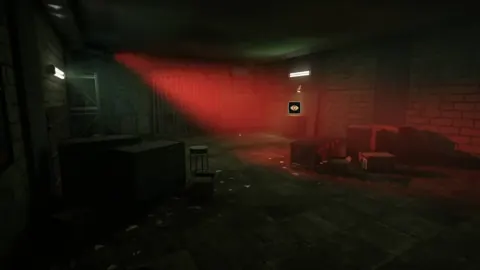 Within Difficulty: Puzzle Tips to Keep You Moving ForwardUnderstand Within difficulty, tackle tricky puzzles, improve dialogue clarity, and spot technical problems. Get practical tips before your playthrough.
More in Guide
Within Patch Notes: V-Sync, Performance, and Fixes
Within patch notes cover V-Sync, graphics presets, resolution fixes, and steadier physics. Get the October update rundown and adjust your settings on PC.
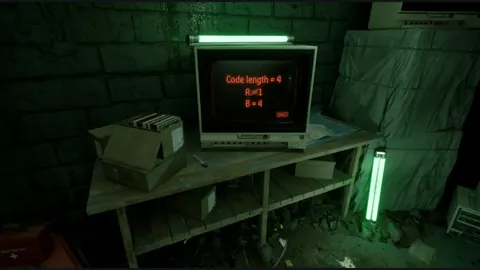
Within Level Selection: Demo Console and Puzzle Help
Within level selection help for the demo, including the ChairLvl console command, puzzle roadblocks, and update fixes. Get back to exploring with tips.
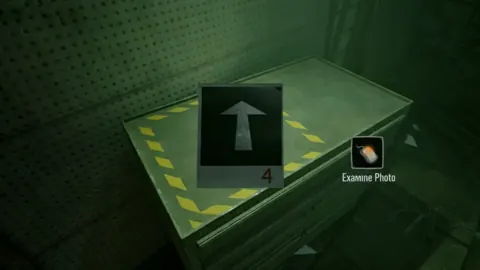
Within Achievements: Steam Unlocks and Puzzle Guide
Track Within achievements with a clear Steam checklist, puzzle tips, unlock requirements, and troubleshooting advice. Plan your run and tackle each trial.

Within FAQ: Release, Demo, Puzzles, and PC Requirements
Within FAQ covers the Steam release, free demo, PC requirements, subtitles, puzzle tips, and bug reporting. Get set to explore a dark first-person world.
Join the community
Official channels for news, updates and player help: