
Within FAQ: Release, Demo, Puzzles, and PC Requirements
Within FAQ covers the Steam release, free demo, PC requirements, subtitles, puzzle tips, and bug reporting. Get set to explore a dark first-person world.
Jump to
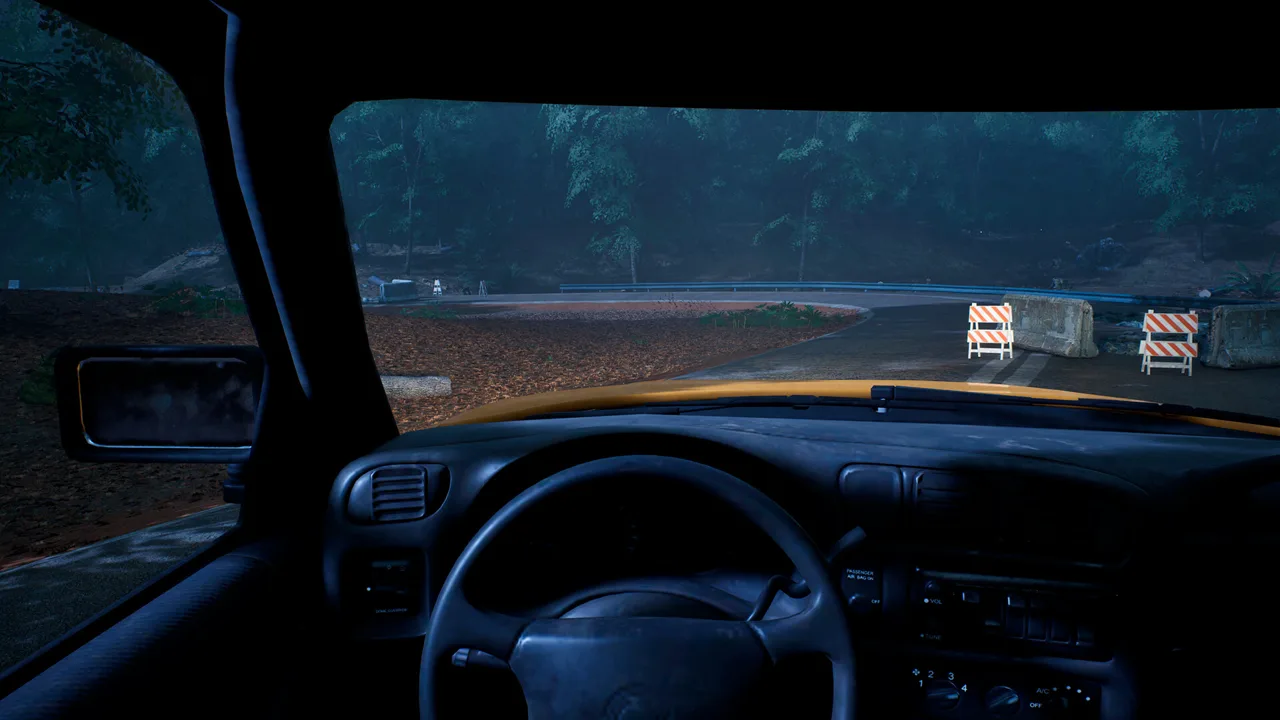
Within: Release, Platforms, and the Free Demo
A confusing puzzle is tense enough without wondering whether you missed a line of dialogue or hit a bug. This Within FAQ helps you sort out the essentials before you enter its dark, first-person mystery. Use this Within FAQ to choose between the free demo and full game, check your PC requirements, and handle obstacles without spoiling the story.
Within is a single-player thriller built around exploring grim locations, solving puzzles, and unraveling a crime. Your pursuit of a dangerous criminal gradually puts you in danger yourself. Expect the investigation and its puzzles to share the spotlight with the unsettling atmosphere.
Is Within available now?
Within is available on Steam. Its release date is October 11, 2026, and the launch celebration includes a 10% discount during the first week.
The full game is developed and published under the name AleksandrGlock. It is a solo-developed project, with exploration, environmental puzzles, and story at the center of its design.
You can buy Within on Steam or download the free Within Demo before deciding whether to purchase the full game.
| Feature | Within | Within Demo |
|---|---|---|
| Steam app ID | 3580070 | 4377840 |
| Release date | October 11, 2026 | February 12, 2026 |
| Supported desktop platform | Windows | Windows |
| Play mode | Single-player | Single-player |
| Storage requirement | 10 GB | 5 GB |
| Minimum memory | 16 GB RAM | 12 GB RAM |
| Steam achievements | Included | Choose the full game for its achievement set |
Is it horror or a puzzle adventure?
Within combines a threatening premise with puzzle-driven exploration. Its atmosphere is dark, and the story involves danger, survival, and a criminal who can turn the tables on you.
Approach it as a first-person thriller with an emphasis on solving problems and following the mystery. The grim setting provides context for the puzzles, while the investigation gives you a reason to keep moving.
How does the demo differ from the full game?
The demo offers an introduction to the atmosphere, puzzles, and story. The full game expands beyond that slice with additional mechanics, details, and story secrets.
The demo is also an older build. Keep the distinction in mind when dealing with its dialogue presentation or technical problems: the main game includes subtitle and volume-control improvements.
PC Requirements: Check Memory and Storage First
The hardware detail to remember from this Within FAQ is that the demo has lower minimum memory and storage requirements than the full game. Running the demo does not replace checking the requirements for the version you intend to play.
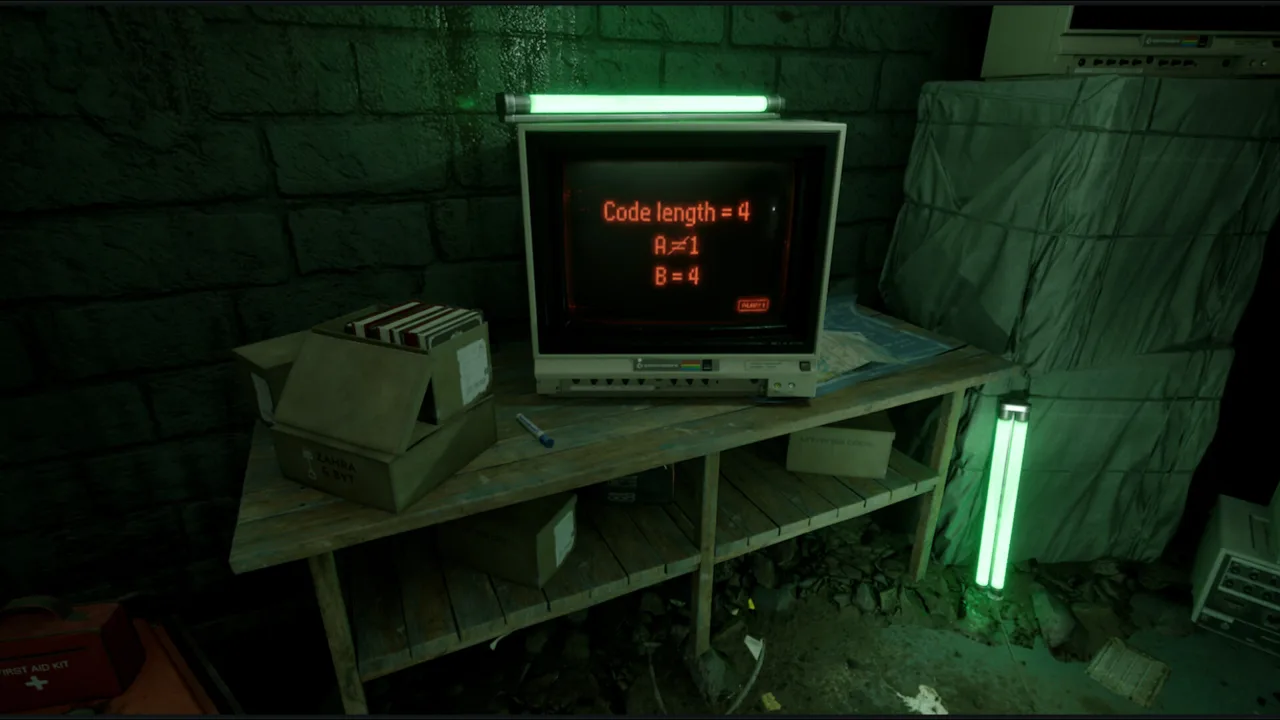 Image: Steam / AleksandrGlock
Both versions support 64-bit Windows 10 and Windows 11. Native macOS and Linux versions are not offered.
| Requirement | Full game minimum | Full game recommended | Demo minimum |
|---|---|---|---|
| Operating system | Windows 10/11, 64-bit | Windows 10/11, 64-bit | Windows 10/11, 64-bit |
| Processor | Intel Core i3 | Intel Core i5 | Intel Core i3 |
| Memory | 16 GB RAM | 32 GB RAM | 12 GB RAM |
| Available storage | 10 GB | 10 GB | 5 GB |
| DirectX | Version 11 | — | Version 11 |
The demo’s minimum graphics requirement is an NVIDIA GeForce GTX 1080.
Check your installed RAM and available drive space before downloading. Pay particular attention to the jump from the demo’s 12 GB minimum to the full game’s 16 GB minimum. If you are preparing for the recommended configuration, the memory target is 32 GB.
The processor requirements use broad Intel Core i3 and Core i5 labels rather than specific models. Include your exact processor model when asking the developer about a performance problem; simply saying “i5” leaves out useful information.
Which languages are supported?
Within supports English and Russian. The full game includes English full audio support, while the demo includes full audio support for both English and Russian.
For an English-language playthrough, check your language selection before starting. If spoken instructions are difficult to follow, the full game’s dialogue subtitles are especially useful.
Puzzle Help: Read the Clue Before Changing the Setup
The puzzle advice in this Within FAQ starts with a simple habit: separate what the game tells you from what you are guessing. Within includes notes, spoken dialogue, and environmental interactions, so pay attention to the instruction before committing to a theory.
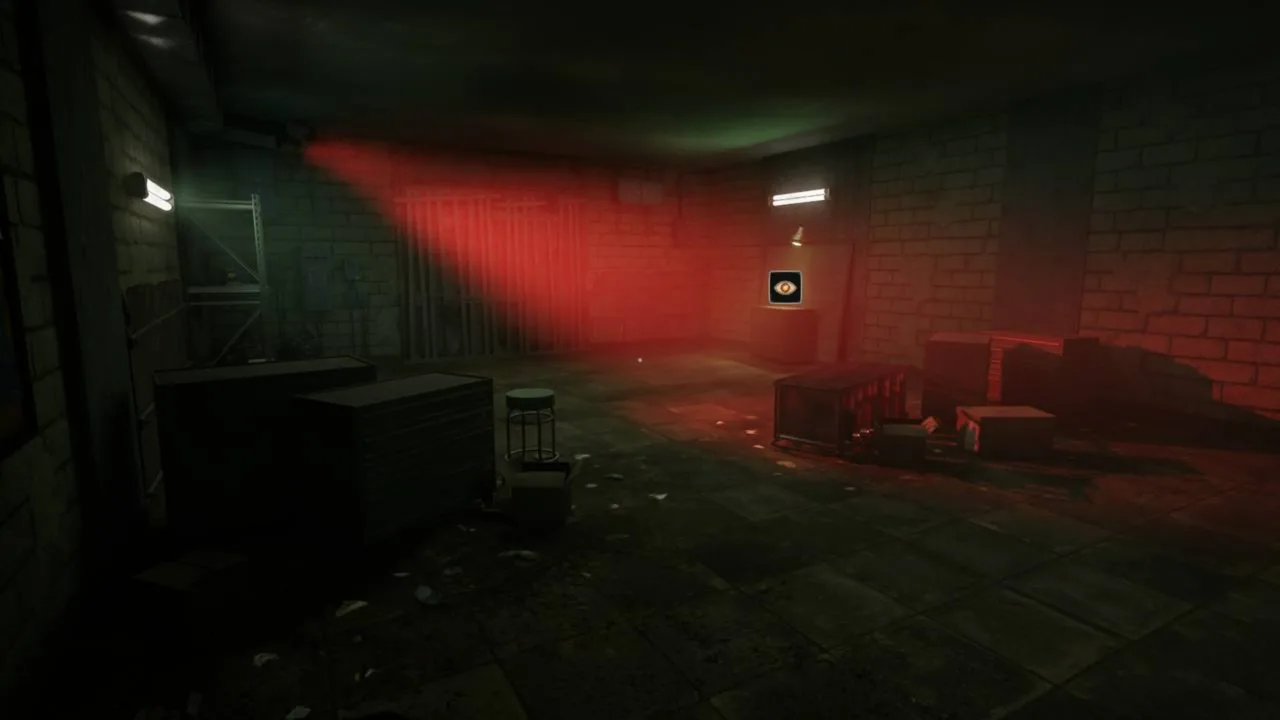 Image: Steam / AleksandrGlock
Read notes you encounter and listen carefully when dialogue accompanies a puzzle. When several objects are interactive, change one element at a time and watch for a response. This keeps your own reasoning organized without relying on a guessed solution.
What should you do at the clock and tombstone puzzle?
The demo includes a clock-and-tombstone puzzle that can be difficult to interpret, particularly when the walkie-talkie dialogue is hard to understand.
Revisit the wording of the clue before continuing to manipulate the puzzle. Focus on the relationship the instruction describes, and avoid filling gaps in the dialogue with assumptions. In the full game, use subtitles to follow spoken instructions.
If you ask for help, describe the clue and the current arrangement. “I’m stuck at the clock” gives another player much less to work with than explaining what you understood and what you already changed.
What kinds of challenges are in the full game?
Within’s achievements cover several distinct interactions. The following examples contain light gameplay spoilers, but no puzzle solutions.
| Achievement | Required action |
|---|---|
| Mysterious Stranger | Read one of the notes |
| Master of Light | Advance using the light |
| Can't Catch Me | Successfully bypass the cameras |
| The Shining | Break down three doors with an axe |
| Truly Challenging | Solve the lever puzzle |
| Rest in Peace | Solve the puzzle in the abandoned warehouse |
These objectives give you concrete goals without revealing the sequence needed to complete them. For example, The Shining requires three doors, while Mysterious Stranger is tied to reading a note.
Use achievement descriptions to recognize activities during your playthrough. Avoid interpreting their order as a required route through the game.
How should you approach a lever puzzle?
Watch what each interaction changes before trying another. At a lever-based obstacle, keep track of lever positions and any visible response, including indicator lights.
Do not assume that moving every lever in the same direction must solve the puzzle. Use the accompanying clue to guide your next attempt, and describe the resulting state clearly if you need help. A light changing color is useful information, even when you have not yet worked out its meaning.
Subtitles, Dialogue, and Accessibility
Missing an instruction can make a puzzle feel much harder than it is. The subtitle distinction matters in this Within FAQ because the main game adds subtitles for every line of dialogue, along with a volume-control setting.
 Image: Steam / AleksandrGlock
The older demo has had problems with walkie-talkie speech being difficult to understand. If you are playing the full game, use its subtitles when following dialogue, especially around an objective that depends on spoken information.
What should you check before starting?
Take a moment to review the settings relevant to understanding the game:
- Select your preferred language.
- Check the main game’s subtitle options.
- Adjust the volume setting so dialogue is comfortable to follow.
- Read notes as you encounter them.
The demo also supports play at your own pace and play without timed input. Those features apply to the demo; keep them separate from the full game’s dialogue improvements.
Why does dialogue clarity matter?
The clock puzzle illustrates the problem: if you miss part of an instruction, you can spend time testing an idea built on incomplete wording.
Use subtitles to catch the actual instruction before experimenting. Keep your attention on what the dialogue asks you to do, then compare that with the objects you can interact with. This is more useful than repeatedly changing the setup while hoping something triggers.
Troubleshooting: Demo Freezes, Car Trouble, and Bug Reports
Technical trouble needs a different response from a difficult riddle. This Within FAQ separates the older demo’s opening freeze from a car interaction issue in the full game so you can describe the correct problem.
What if the demo freezes during the opening?
The older demo has an opening-sequence issue in which the scene stops after the animated character presses a button. The application can remain running without showing a conventional crash message.
Describe the exact point where the sequence stops. Include whether the game remains open and responsive, rather than reporting only that it “crashes.” That distinction helps identify the behavior you encountered.
When reporting it, say explicitly that you are playing Within Demo. The demo and full game are separate applications, and their build differences matter.
What if you get stuck in the car?
In the full game, the car is intended to work after the barrier rises. The “I can go now” prompt marks that interaction state.
Approach the car from ground level. Entering while standing on top of it causes abnormal behavior and is an issue the developer has acknowledged.
If the car still fails to respond, record whether the barrier was raised and whether the prompt appeared. Avoid assuming that the same symptom always has the same cause.
How do you submit a useful bug report?
Use the developer’s bug-report thread in the Steam Community hub. Include a clear description and the actions immediately before the problem.
| Information to include | What to write |
|---|---|
| Game version | State whether you are playing Within or Within Demo |
| Issue description | Explain what stopped working and what you expected |
| Reproduction steps | Describe the interactions leading up to the problem |
| System specifications | Include your OS, graphics card, CPU, and RAM |
| Visual evidence | Add a screenshot or short recording when available |
For a car issue, describe your position when entering, the barrier state, and the prompt. For the demo freeze, identify the button-press moment in the opening scene.
If you receive a fatal-error message, include its exact wording. Keep the report focused on observable behavior so the developer can investigate the same sequence.
FAQ
Does this Within FAQ cover the demo or the full game?
This Within FAQ covers both. Within is the full game, while Within Demo is the free introductory version. The full game has higher minimum memory and storage requirements, plus dialogue subtitles and volume-control improvements.
Can I play Within with friends?
Within is single-player. The full game includes Steam achievements and Family Sharing, but its exploration, investigation, and puzzles are designed for solo play.
Does Within support Mac or Linux?
Within and Within Demo support Windows. Both require 64-bit Windows 10 or Windows 11; native macOS and Linux versions are not offered.
How do I earn The Shining achievement?
Break down three doors with an axe in the full game. The achievement requires three doors, so keep that objective in mind when you encounter doors you can break.
Continue with
 Within How Long to Beat: Playtime and Puzzle GuideWithin how long to beat guide covering puzzle timing, demo differences, achievements, and practical tips to help you plan your next thriller play session.
More in Guide
Within Patch Notes: V-Sync, Performance, and Fixes
Within patch notes cover V-Sync, graphics presets, resolution fixes, and steadier physics. Get the October update rundown and adjust your settings on PC.
Within Level Selection: Demo Console and Puzzle Help
Within level selection help for the demo, including the ChairLvl console command, puzzle roadblocks, and update fixes. Get back to exploring with tips.
Within Achievements: Steam Unlocks and Puzzle Guide
Track Within achievements with a clear Steam checklist, puzzle tips, unlock requirements, and troubleshooting advice. Plan your run and tackle each trial.
Within Beginner Guide: Puzzle Tips and Getting Started
Use this Within beginner guide to get started, read puzzle clues, handle camera sections, and avoid common demo issues before exploring the full PC game.
Join the community
Official channels for news, updates and player help: