
Within Tips: Solve Puzzles and Escape the Nightmare
Use these Within tips to read clues, tackle clock and lever puzzles, navigate camera sections, and avoid common mistakes in this first-person thriller.
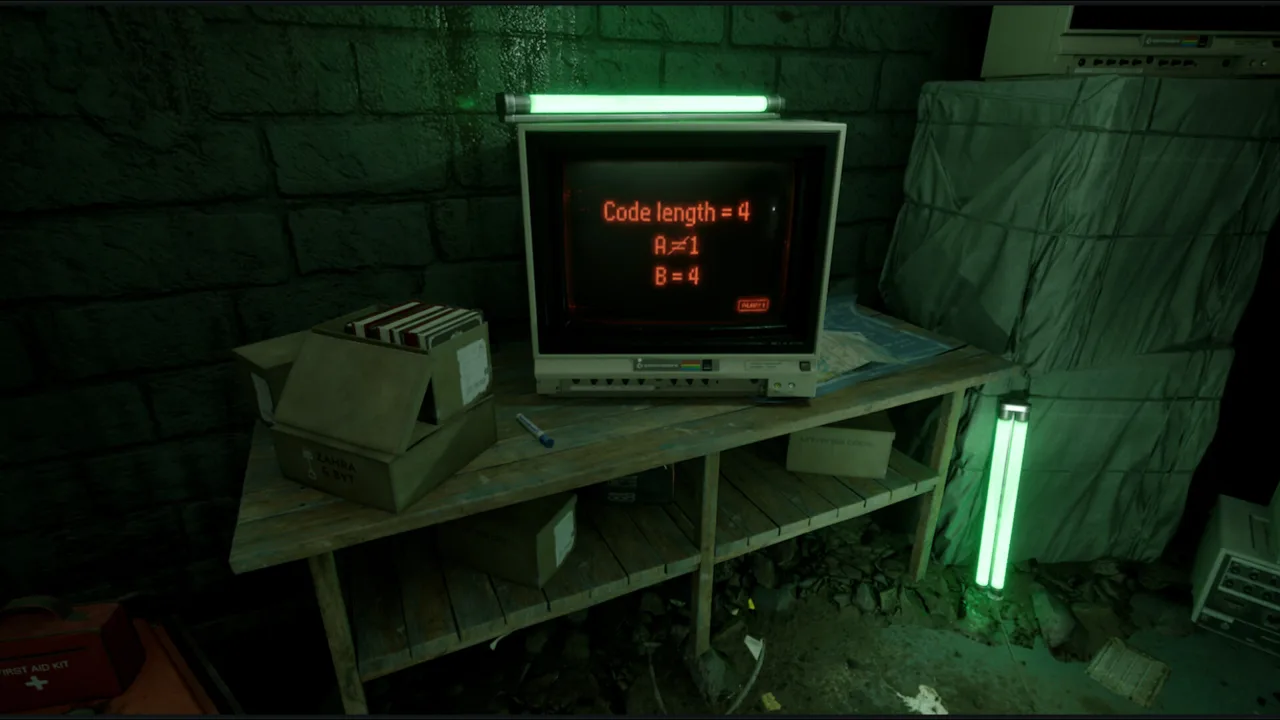
Start With Clues and Clear Objectives
A disturbing room becomes harder to escape when you rush past the detail that explains it. These Within tips will help you organize clues and approach the game's puzzles without letting its tense atmosphere scramble your thinking. Keep these Within tips handy when a cryptic instruction, unfamiliar mechanism, or blocked route interrupts your investigation.
Within is a single-player, first-person thriller built around exploring grim locations, solving puzzles, and unraveling a crime. The investigation puts you up against a cunning criminal, with the danger increasingly directed at you. Approach each location with a specific question: what are you trying to accomplish, and what information have you found that helps?
Read Notes Before Working the Puzzle
Make reading part of your exploration routine. Within includes readable notes, and reading one earns the Mysterious Stranger achievement. Give the text your attention rather than opening it briefly and moving on.
Separate instructions from atmosphere in your own notes. Record an explicit direction exactly, then write your interpretation underneath it. That distinction helps prevent an assumption from turning into a false memory of what the game actually told you.
When you feel stuck, work through this checklist:
- What is the immediate obstacle?
- What did the latest note or dialogue tell you?
- Which nearby objects relate to that instruction?
- What changed after your last interaction?
Keep the answers short. “Find a way through this door” is more useful than “figure out the entire room.”
These Within tips center on observation because the game puts puzzles and investigation at the heart of the experience. Give yourself time to understand the task before experimenting with everything in reach.
Make Dialogue and Puzzle Clues Easier to Follow
Spoken instructions deserve the same attention as written ones. Within's full game includes subtitles for every line of dialogue, along with a volume control setting. Read the subtitles closely when instructions are delivered, especially when the atmosphere makes it tempting to hurry onward.
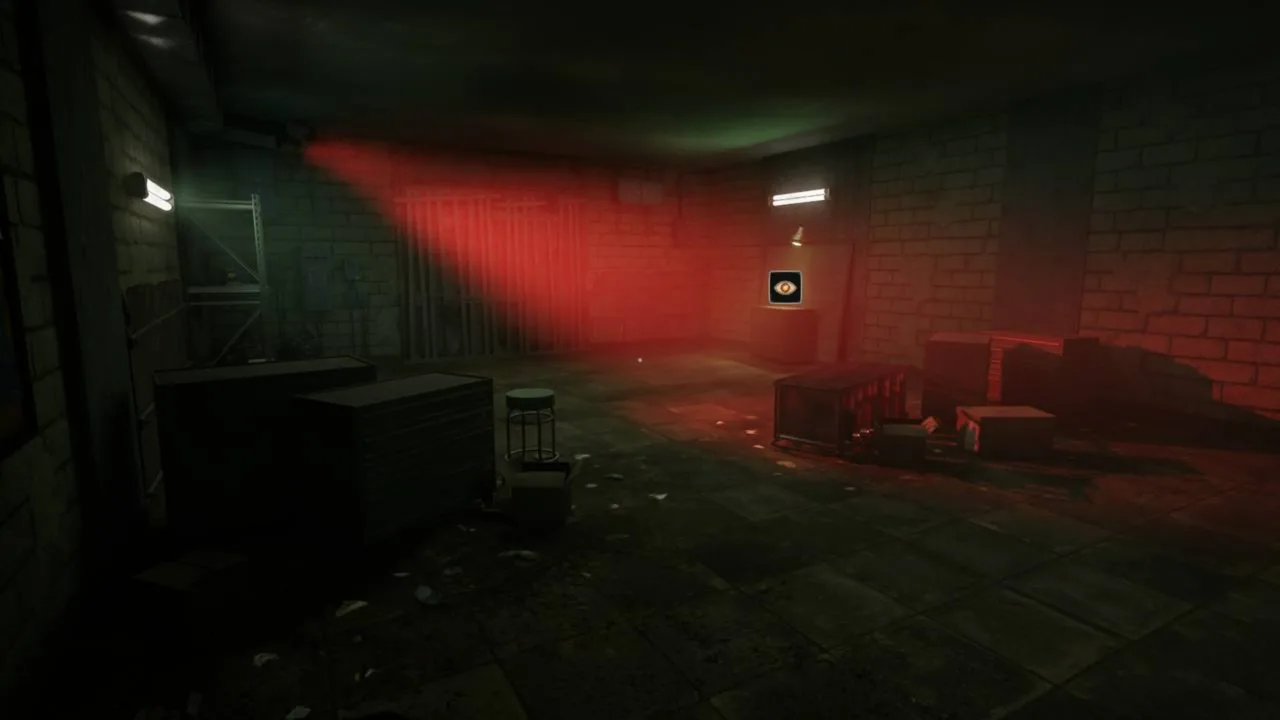 Image: Steam / AleksandrGlock
The older demo drew frustration around difficult-to-understand walkie-talkie dialogue. Use the full game's subtitles to capture the wording instead of trying to reconstruct an instruction from a few words you caught.
| Clue or obstacle | What to record | What to do next |
|---|---|---|
| Written note | Exact instructions and relevant names | Compare the wording with nearby objects |
| Spoken instruction | The requested action and its target | Read the full game's subtitles carefully |
| Unfamiliar mechanism | Its current arrangement | Observe what changes after an interaction |
| Blocked route | The obstacle preventing movement | Look for a clue that addresses that obstacle |
Approach the Clock and Tombstone Puzzle Methodically
The demo includes a clock and tombstone puzzle, and its associated dialogue proved difficult for some players to follow. Approach it by separating what you can see from what you have been told to do.
Write down the clock information and the visible arrangement of the stones. Then compare those observations with the instruction. Look for an explicit relationship before choosing an interpretation.
Avoid treating every reference to a clock as an automatic request to enter a time. Ask what role the clock plays in the actual instruction. Likewise, distinguish between a clue referring to an individual stone and one referring to the group.
Among the most useful Within tips is this: test a specific interpretation, then inspect the result. Random experimentation becomes much less helpful when you cannot remember which arrangement produced which response.
If frustration takes over, step away briefly. Return by rereading the instruction before touching the puzzle again. A fresh look helps most when you still have a clear record of your earlier attempts.
Track Lever States and Light Interactions
Within includes a lever puzzle, recognized by the Truly Challenging achievement. The demo also includes a dock area where levers, an upper-platform switch, and a colored light appear together.
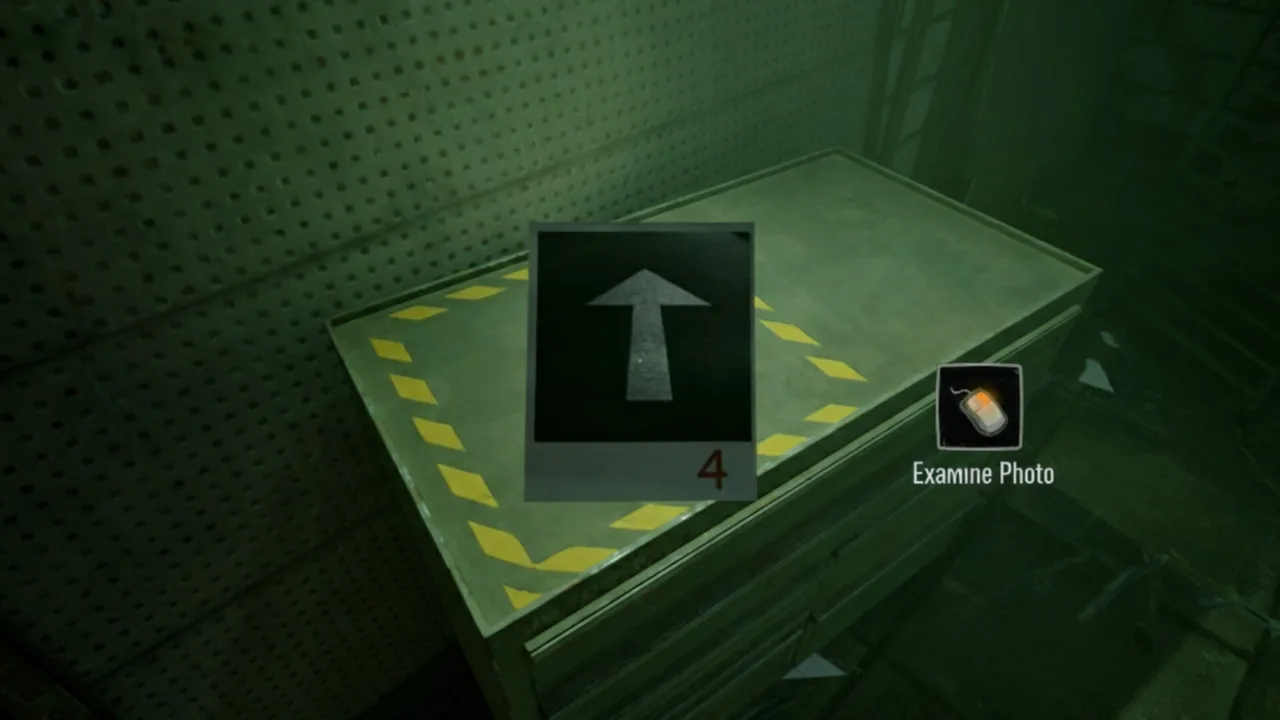 Image: Steam / AleksandrGlock
Treat these mechanisms as a state-tracking problem. Before interacting, record what is currently up, down, illuminated, or otherwise visibly different. After an interaction, look around for feedback before changing another control.
A demo player reached a dock arrangement with every lever down and a red light, yet did not progress. Avoid assuming that matching lever positions or producing a particular color automatically completes the task. Keep the puzzle's instruction in view.
| Puzzle element | Observation to make | Practical next step |
|---|---|---|
| Levers | Position of each lever | Record the arrangement before changing it |
| Upper-platform switch in the demo | Visible response after activation | Inspect the connected area before continuing |
| Colored indicator in the demo | Color before and after an interaction | Compare the change with the puzzle's instruction |
| Mirror and light puzzle in the demo | Where the reflection travels | Follow the visible light path after each adjustment |
Follow the Light Through the Space
The demo contains a mirror light-reflection puzzle, while the full game includes Master of Light, an achievement tied to advancing using light.
For a reflection puzzle, trace the light from its starting point through each visible reflection. After adjusting an element, inspect the new path before making another adjustment. Keep your attention on the result in the environment.
Use simple descriptions in your notes: where the light begins, what it reaches, and where it stops. These Within tips help keep an abstract puzzle concrete without requiring you to guess a hidden solution.
Do not combine multiple changes into one experiment if you can examine them separately. When several things move before you inspect the result, you lose the connection between your action and the feedback.
Handle Cameras, Doors, and Other Obstacles Deliberately
Within's achievements identify several distinct situations: bypassing cameras, breaking doors with an axe, causing a flood, and solving a puzzle in an abandoned warehouse. Adjust your attention to the obstacle in front of you rather than applying the same tactic everywhere.
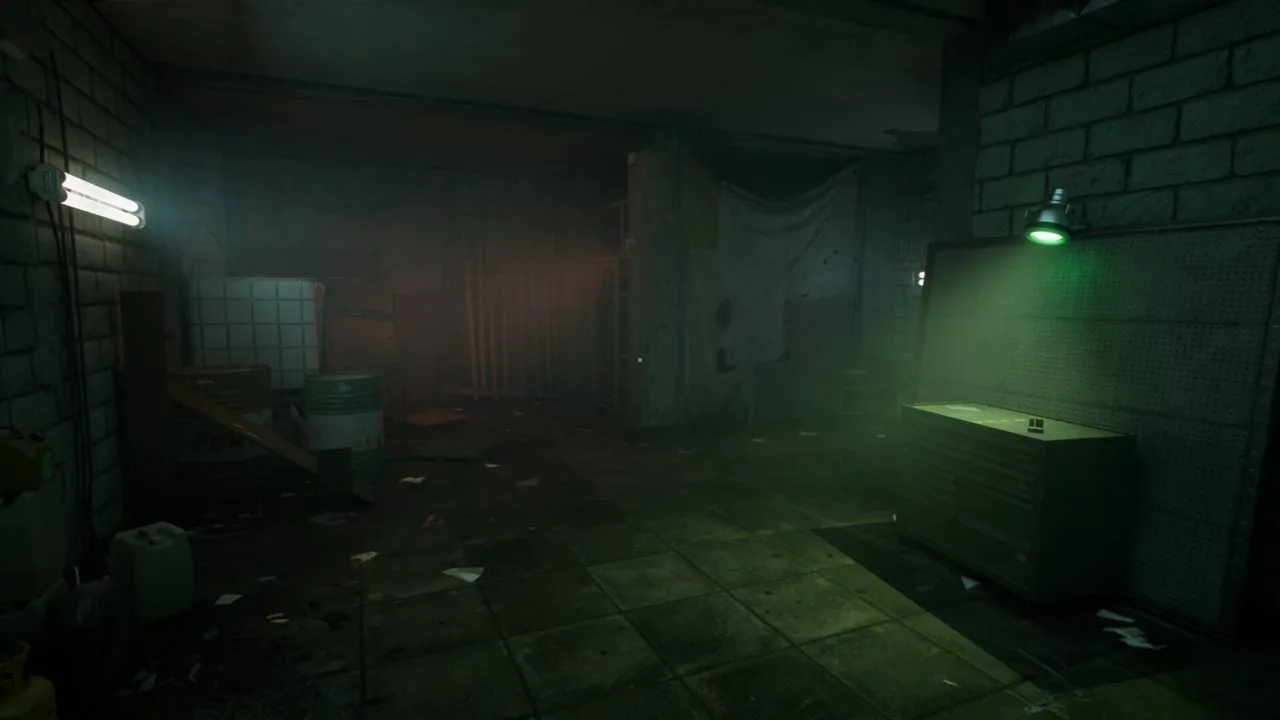 Image: Steam / AleksandrGlock
For camera sections, inspect the visible camera placement and the route you intend to take before committing. Identify where your route passes near a camera, then watch the scene for information that helps you choose your next move.
The Can't Catch Me achievement is tied to successfully bypassing the cameras. Focus on getting through the section rather than assuming confrontation is required.
Match the Tool to the Task
The The Shining achievement requires breaking down three doors with an axe. Keep that use in mind when an axe and obstructing doors become relevant. Work from the task presented by Within rather than importing weapon expectations from another horror game.
| Achievement | Associated action |
|---|---|
| Mysterious Stranger | Read one note |
| Just Another Tuesday | Solve the first puzzle before the strange events begin |
| Master of Light | Advance using light |
| Can't Catch Me | Successfully bypass the cameras |
| The Shining | Break down three doors with an axe |
| Truly Challenging | Solve the lever puzzle |
| Rest in Peace | Solve the abandoned warehouse puzzle |
Use this table as a light orientation aid. Read the descriptions only as far as you are comfortable with small progression spoilers.
When you reach the abandoned warehouse puzzle, carry over the same habits: identify the obstacle, read the relevant instruction, and track the effects of your interactions. These Within tips remain useful across different puzzle types because they keep your decisions connected to observable information.
Keep your immediate objective written down when exploring. Returning to a familiar room is easier when you remember why you came back.
Avoid Early Car Trouble and Separate Demo Issues
An interaction problem can look like a puzzle, especially when you are already searching for an obscure clue. Within's car interaction provides a concrete example.
The car should be usable after the barrier rises and the “I can go now” prompt appears. Approach it from the ground. Entering while standing on top of the car can cause abnormal behavior.
Check those conditions before repeatedly clicking around the vehicle. If the barrier is still down, concentrate on that obstacle. If the expected prompt has appeared but the car remains unusable, record what happened.
| Situation | What to check | Next action |
|---|---|---|
| Car cannot be used | Whether the barrier has risen | Finish the barrier interaction |
| Barrier is raised | Whether “I can go now” appeared | Approach the car from ground level |
| Car behaves abnormally | Whether you entered from its roof | Include your approach position in a bug report |
| Older demo freezes during its opening | Whether you are playing the demo | Identify the version clearly when reporting it |
| Crash or repeated technical failure | Exact event and system specifications | Report reproducible steps and the error text |
Keep Demo and Full-Game Expectations Separate
The free Within Demo on Steam offers a way to try the game's atmosphere and puzzle style. It is an older build, and the full game adds dialogue subtitles and volume controls.
The older demo also had reports of freezing during the opening sequence after a button press. Describe that as a demo issue when asking for help; identifying the version prevents confusion with a full-game problem.
For a useful bug report, include:
- What happened and what you expected instead.
- The actions immediately before the problem.
- Your operating system, graphics card, processor, and RAM.
- A screenshot or short recording when available.
Record exact error messages rather than summarizing them as “it broke.” These Within tips help you distinguish a missing puzzle step from behavior that needs technical attention.
You can get the full game through Within's Steam store page. Once inside, keep your routine simple: read, observe, act, and inspect the result before moving on.
FAQ
What Within tips should beginners focus on?
Read notes carefully, follow dialogue subtitles in the full game, and record puzzle arrangements before changing them. Keep a clear immediate objective so exploration stays connected to the obstacle you are trying to solve.
How should I approach the clock and tombstone puzzle?
In the demo, compare the clock information, stone arrangement, and associated dialogue. Write down the instruction and test one interpretation at a time. Inspect the result before making another change so you can track which attempt produced which response.
What should I check if the car will not work?
Check that the barrier has risen and the “I can go now” prompt has appeared. Approach the car from the ground. Entering while standing on its roof can cause abnormal behavior; include that detail if you encounter trouble.
Do these Within tips apply to the demo and full game?
The observation and note-taking habits apply to both. The clock and tombstone discussion and opening freeze issue concern the older demo. The full game includes subtitles for every dialogue line and a volume control setting, so use those features when following instructions.
Continue with
 Within Walkthrough: Puzzle Tips and Progress GuideUse this Within walkthrough to tackle cryptic clues, light puzzles, levers, and the clock challenge, with practical tips for the full game and free demo.
More in Guide
Within Patch Notes: V-Sync, Performance, and Fixes
Within patch notes cover V-Sync, graphics presets, resolution fixes, and steadier physics. Get the October update rundown and adjust your settings on PC.
Within Level Selection: Demo Console and Puzzle Help
Within level selection help for the demo, including the ChairLvl console command, puzzle roadblocks, and update fixes. Get back to exploring with tips.
Within Achievements: Steam Unlocks and Puzzle Guide
Track Within achievements with a clear Steam checklist, puzzle tips, unlock requirements, and troubleshooting advice. Plan your run and tackle each trial.
Within Beginner Guide: Puzzle Tips and Getting Started
Use this Within beginner guide to get started, read puzzle clues, handle camera sections, and avoid common demo issues before exploring the full PC game.
Join the community
Official channels for news, updates and player help: