
Within Difficulty: Puzzle Tips to Keep You Moving Forward
Understand Within difficulty, tackle tricky puzzles, improve dialogue clarity, and spot technical problems. Get practical tips before your playthrough.
Jump to
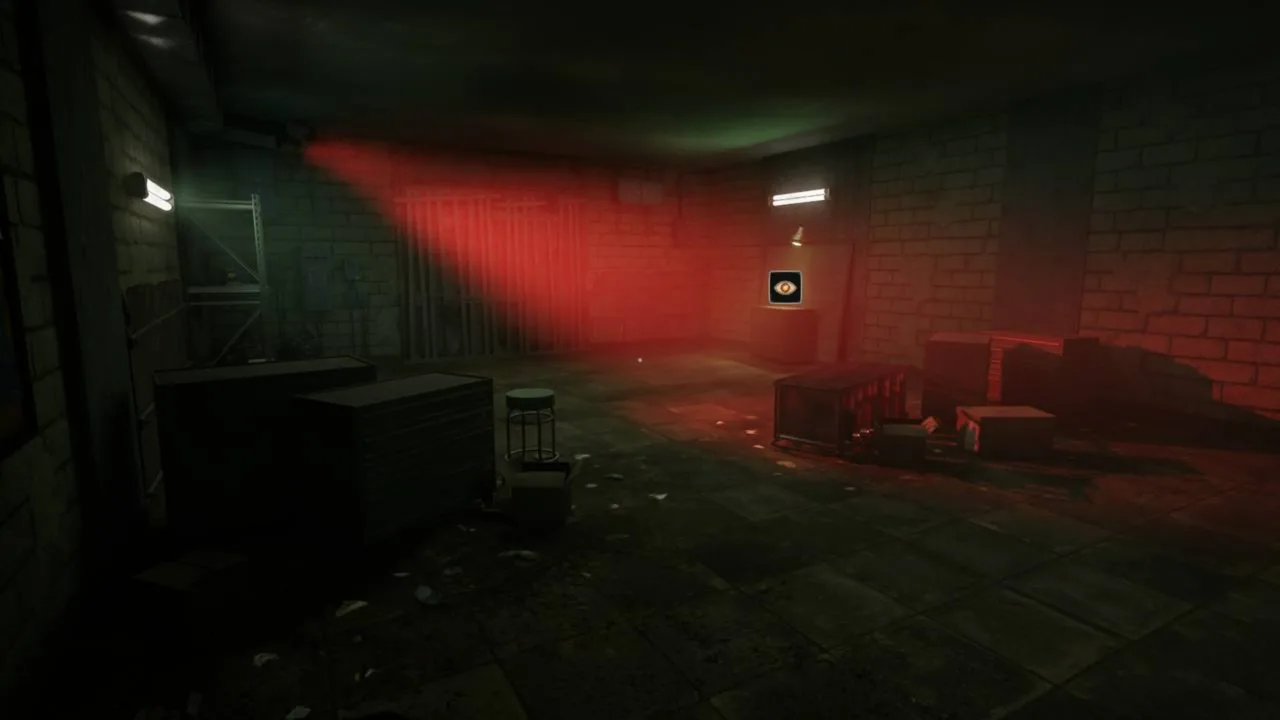
What Makes Within Challenging?
A sinister setting is unsettling enough without a puzzle stopping you cold. Within difficulty matters because following instructions and understanding your surroundings are central to moving through its mystery. Approach Within difficulty with patient observation, and you can spend more time unraveling the crime and less time repeating actions that leave you stuck.
Within is a first-person thriller built around exploring grim locations, solving puzzles, and confronting a criminal as your investigation turns dangerous. The developer also describes it as a dark walking simulator with puzzle elements. Expect an experience that asks you to pay attention to your surroundings and the story.
The challenges named in its achievements include using light, bypassing cameras, solving a lever puzzle, and completing a puzzle in an abandoned warehouse. Those objectives give you concrete things to watch for without revealing their solutions.
| Challenge | What it involves | What to focus on |
|---|---|---|
| Exploration | Investigating locations and unraveling a crime | Read notes and examine your surroundings |
| Puzzle solving | Clock-and-tombstone, lever, and warehouse puzzles | Connect instructions with the objects involved |
| Environmental interaction | Advancing with light and breaking doors with an axe | Identify what the current obstacle requires |
| Camera avoidance | Successfully bypassing cameras | Observe the area before committing to movement |
Keep these challenges separate in your mind. A confusing clue calls for careful reading. An unclear spoken instruction calls for subtitles or an audio adjustment. A frozen scene calls for troubleshooting. Repeating the same interaction cannot address all three problems.
For a first playthrough, aim to understand why an action should work before performing it. You do not need to predict the entire story; you need enough information to make your next decision deliberately.
Within Difficulty and the Clock-and-Tombstone Puzzle
The clock-and-tombstone puzzle in the demo is a specific obstacle worth preparing for. Players have struggled with understanding its instructions, and some have also had trouble understanding the accompanying walkie-talkie dialogue.
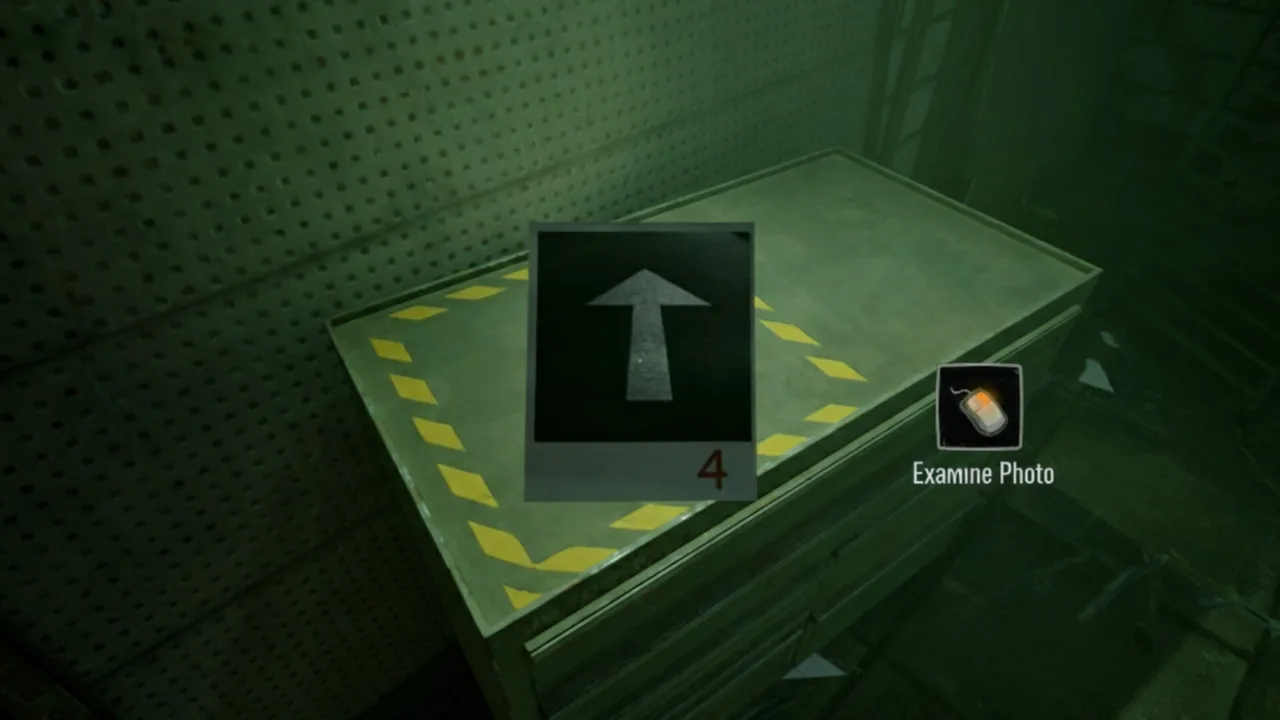 Image: Steam / AleksandrGlock
That distinction matters. If you cannot understand the instruction, experimenting with the puzzle does not necessarily teach you its logic. Establish what the task asks before deciding which interaction to try.
Within difficulty can feel much steeper when you are trying to reconstruct a sentence you barely heard. Separate the information problem from the puzzle problem: identify the relevant wording, then consider how it connects to the clock and tombstones.
Give Each Attempt a Purpose
Use a small written checklist to keep track of what you understand. Write down the instruction as accurately as you can, the objects involved, and what changed after your last interaction.
| Step | Action | Purpose |
|---|---|---|
| Read | Revisit relevant notes and instructions | Recover wording you might have overlooked |
| Observe | Examine the clock and tombstones | Identify the elements the instruction refers to |
| Predict | Decide what your next interaction should accomplish | Give the attempt a specific purpose |
| Compare | Check the result against your prediction | Distinguish useful feedback from repetition |
Avoid changing several things simply because nothing happened immediately. Change one element, then inspect the result. This is general puzzle-solving advice, but it is especially useful when you are already unsure how the pieces relate.
Keep your notes literal. If an instruction names an object or describes an arrangement, preserve that wording instead of replacing it with an assumption. Small differences in interpretation can send your reasoning in different directions.
The same discipline applies to the lever puzzle. A demo player described reaching a dock area, lowering the levers, and seeing a red light without understanding what to do next. Do not assume that making every lever match is the objective. Return to the task’s instructions and compare them with the current arrangement.
When frustration builds, take a brief break before another attempt. Come back with a specific question, such as “What did that interaction change?” A focused question gives you something to investigate beyond repeating the entire sequence.
Read Notes, Use Subtitles, and Follow Environmental Clues
Within’s main game includes subtitles for every line of dialogue and a volume control setting. Use those features when spoken instructions are difficult to understand, especially during exchanges involving the walkie-talkie.
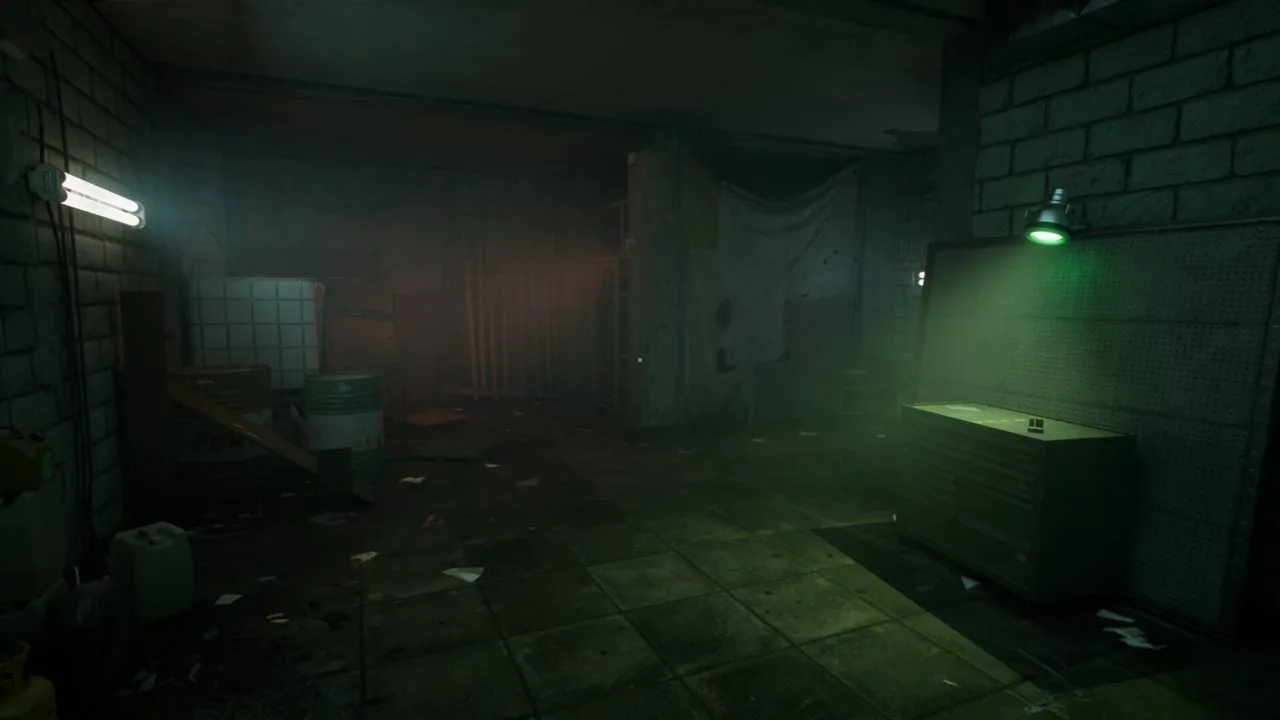 Image: Steam / AleksandrGlock
Earlier demo players struggled with dialogue clarity. The main game’s subtitles give you another way to follow those conversations, so use the text alongside the audio when working through an objective.
This is one practical way to reduce Within difficulty without needing a puzzle solution. Before retrying an obstacle, check whether you missed information that was spoken during the surrounding scene.
Read notes as part of your exploration. The “Mysterious Stranger” achievement specifically involves reading a note, while other achievements identify environmental tasks you will encounter.
| Achievement | Associated task | Preparation tip |
|---|---|---|
| Mysterious Stranger | Read one of the notes | Make time to read written information |
| Master of Light | Advance further using light | Examine how light relates to the obstacle |
| Can't Catch Me | Successfully bypass the cameras | Observe the camera area before moving |
| The Shining | Break down three doors with an axe | Distinguish a physical barrier from a puzzle |
| Truly Challenging | Solve the lever puzzle | Track interactions and their visible results |
| Rest in Peace | Solve the abandoned warehouse puzzle | Inspect the location before testing ideas |
These descriptions identify tasks, rather than giving you a complete route through them. Use them to recognize the kind of problem in front of you while leaving room to discover the solution yourself.
For a light-based obstacle, inspect the relationship between the light and the surrounding objects. For a camera section, pause to observe before moving through it. Neither task benefits from treating every obstacle as another combination puzzle.
When a puzzle changes the environment, check nearby areas as well as the object you just touched. Record what you actually see: a changed light, a different position, or another visible response. Build your next attempt around that response.
Keep written and spoken information together. A note and a line of dialogue can be easier to understand when you consider both, rather than trying to solve from memory. If the game gives you an instruction during an unsettling scene, read it carefully before moving on.
Separate Puzzle Trouble From Technical Problems
Sometimes the obstacle is a technical issue rather than Within difficulty. Knowing the difference prevents you from spending an entire session searching for a solution to a scene that has stopped responding.
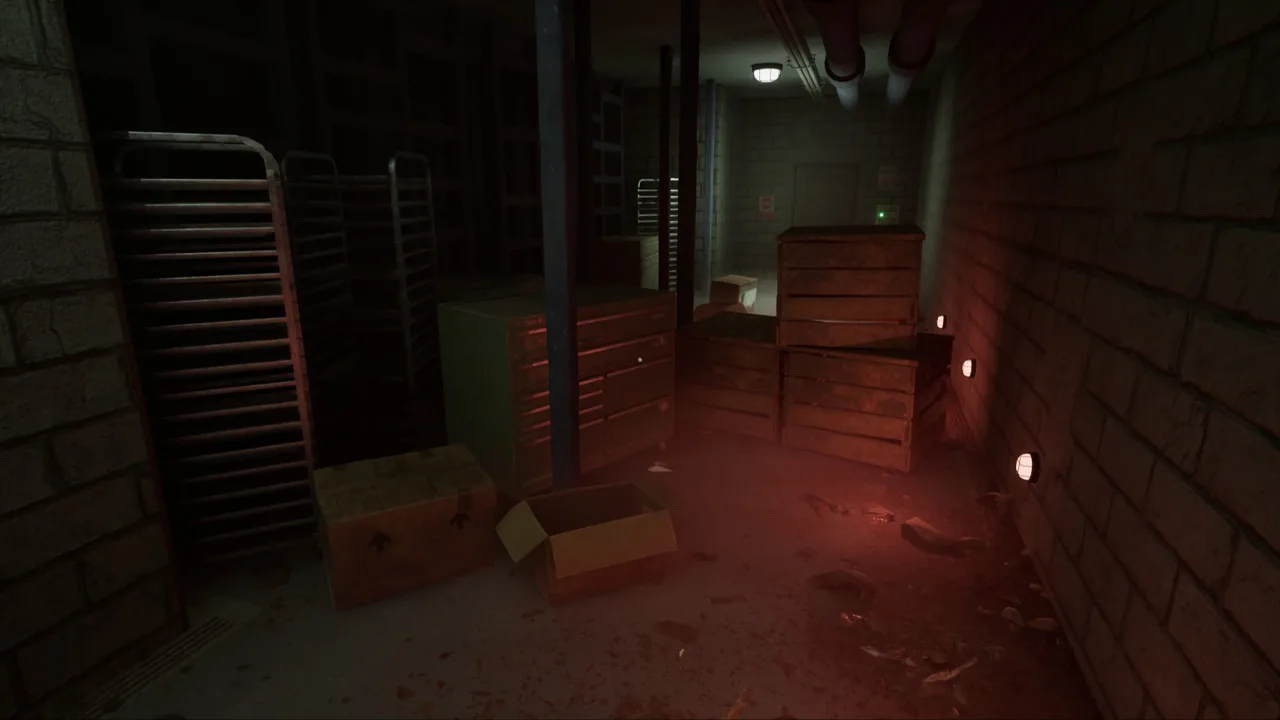 Image: Steam / AleksandrGlock
The demo has had reports of freezing during its opening sequence after a button interaction. The developer identifies that demo as an older build. Consider that version distinction when comparing a demo problem with the main game.
The full game also has a reported car interaction problem. The developer warns against entering the car while standing on it because that position can produce abnormal behavior.
| Situation | Details to recognize | Next action |
|---|---|---|
| A puzzle remains unresolved | Interactions respond, but the objective is unclear | Revisit instructions and track changes |
| Walkie-talkie dialogue is hard to understand | Main-game subtitles and volume control are available | Use subtitles and adjust the audio |
| The demo stops during its opening button sequence | The demo is an older build with freeze reports | Record where the scene stops |
| The car behaves abnormally | Entering while standing on it can cause problems | Approach from the ground |
| A crash or fatal error occurs | Technical failures have been reported | Capture the error and relevant system details |
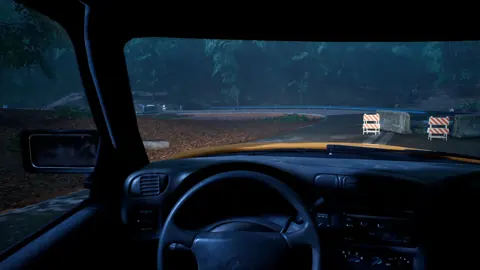
For the car sequence, wait until the barrier is raised and the “I can go now” prompt appears before entering. Approach the vehicle from ground level. Those details help you distinguish the expected setup from an interaction problem.
If the car remains unusable, record what happened immediately beforehand, including your position and whether the prompt appeared. A precise description is more useful than “the car doesn’t work.”
For crashes or freezes, include your operating system, graphics card, processor, and RAM in a bug report through the developer’s Steam discussion channel. Add a screenshot or short recording when possible, and describe the actions that led to the issue.
Do not treat a frozen scene as evidence that you missed a hidden puzzle step. First determine whether the scene still responds normally. That check keeps technical troubleshooting from becoming another round of aimless experimentation.
Prepare for Your First Playthrough Without Spoiling It
Within difficulty is easier to approach when you establish a consistent routine: understand the instruction, inspect the relevant area, attempt an interaction, and check the result.
Start by getting comfortable with the game’s presentation. Read dialogue subtitles when needed, listen for instructions, and examine notes instead of rushing past them. Give yourself time to understand the current task before pushing forward.
Use this checklist whenever progress stalls:
- Identify whether you are facing a puzzle, a navigation task, or a technical problem.
- Revisit the instruction connected to your current objective.
- Examine the relevant objects before changing them.
- Test one idea at a time.
- Record the visible result of each attempt.
- Pause when frustration starts replacing observation.
For example, approach a lever puzzle by identifying what the instruction asks you to achieve. Write down the current positions, choose one interaction, and compare the response with your prediction. Avoid assuming that a particular light color or matching arrangement automatically means completion.
For a camera section, switch your attention from puzzle combinations to observation and movement. For an axe-related door obstacle, recognize the physical interaction involved. Let the task guide your thinking.
The free Within Demo on Steam offers a way to try the atmosphere, exploration, and puzzle style. Keep its older-build status in mind, particularly if you encounter the opening freeze issue.
You can also visit Within’s Steam page to get the full game. In the main game, make use of dialogue subtitles and volume control while following the investigation.
Give yourself permission to work slowly. The story centers on uncovering a crime while facing danger, and the puzzles ask for attention alongside that tension. A deliberate attempt gives you something useful to build on, even when it does not immediately solve the obstacle.
FAQ
What should I expect from Within difficulty?
Expect exploration, environmental puzzles, and threatening situations in a first-person thriller. Specific tasks include a clock-and-tombstone puzzle in the demo, a lever puzzle, light-based progression, and camera avoidance. Focus on understanding instructions and checking the effects of your actions.
How do I approach the clock-and-tombstone puzzle?
Revisit its instructions, examine the clock and tombstones, and test one idea at a time. Keep notes on what changes after each interaction. Make sure you understand the relevant dialogue before building a solution around it.
Does the full game have subtitles?
Yes. The main game includes subtitles for every line of dialogue, along with a volume control setting. Use them when walkie-talkie speech or other spoken instructions are difficult to understand.
What should I do if the car does not work?
Wait for the barrier to rise and the “I can go now” prompt, then approach the car from the ground. Avoid entering while standing on it. If it remains unusable, report your position, the preceding actions, and the behavior you encountered.
Continue with
 Within FAQ: Release, Demo, Puzzles, and PC RequirementsWithin FAQ covers the Steam release, free demo, PC requirements, subtitles, puzzle tips, and bug reporting. Get set to explore a dark first-person world.
More in Guide
Within Patch Notes: V-Sync, Performance, and Fixes
Within patch notes cover V-Sync, graphics presets, resolution fixes, and steadier physics. Get the October update rundown and adjust your settings on PC.
Within Level Selection: Demo Console and Puzzle Help
Within level selection help for the demo, including the ChairLvl console command, puzzle roadblocks, and update fixes. Get back to exploring with tips.
Within Achievements: Steam Unlocks and Puzzle Guide
Track Within achievements with a clear Steam checklist, puzzle tips, unlock requirements, and troubleshooting advice. Plan your run and tackle each trial.
Within Beginner Guide: Puzzle Tips and Getting Started
Use this Within beginner guide to get started, read puzzle clues, handle camera sections, and avoid common demo issues before exploring the full PC game.
Join the community
Official channels for news, updates and player help: