
Within Walkthrough: Puzzle Tips and Progress Guide
Use this Within walkthrough to tackle cryptic clues, light puzzles, levers, and the clock challenge, with practical tips for the full game and free demo.
Jump to
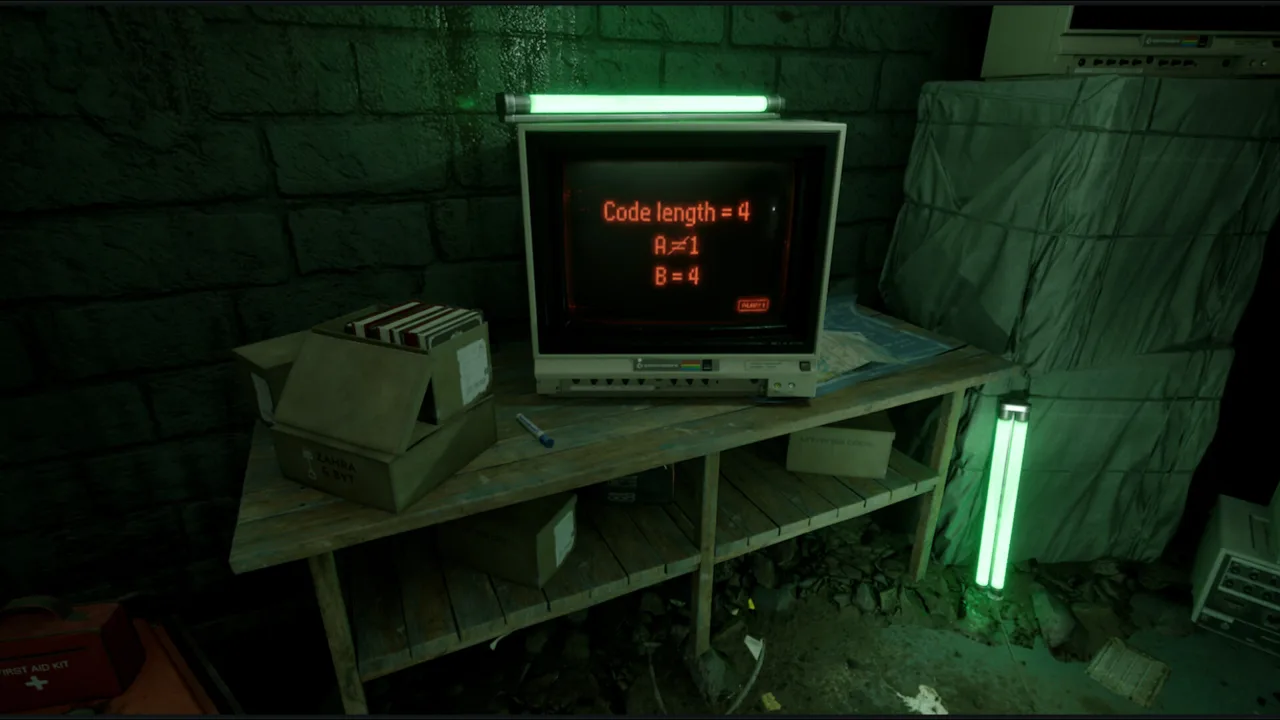
Within Walkthrough: Start With the Clues
Your search for your missing wife becomes a trap, and this Within walkthrough helps you approach the puzzles standing between you and escape. Understanding the captor’s instructions matters because the game combines codes, environmental mechanisms, and deadly trials. Use this Within walkthrough to organize clues, work through confusing challenges, and recognize technical problems that can interrupt your progress.
Within is a single-player, first-person puzzle thriller from AleksandrGlock, released for Windows on October 11, 2026. Its tension comes from grim environments, unsettling audio, and a mastermind who communicates through vintage gramophones. Exploration and observation sit at the center of the experience.
Start by identifying what a puzzle actually asks you to change. A code requires an answer; a mechanism requires an arrangement or action. Mixing those questions can send you searching for a number when the clue concerns a sequence.
Keep the full game and its earlier demo separate:
| Feature | Full Game | Free Demo |
|---|---|---|
| Steam release date | October 11, 2026 | February 12, 2026 |
| Supported platform | Windows | Windows |
| Experience | Story-driven puzzle thriller | Atmospheric exploration with puzzles |
| English language support | Interface, full audio, and subtitles | English with full audio |
| Storage requirement | 10 GB available space | 5 GB available space |
If you want to try the atmosphere before buying, download the free Within Demo on Steam. Remember that its earlier dialogue and technical issues belong to the demo version.
Listen Carefully and Build a Usable Clue Record
The gramophones carry the captor’s instructions, hints, and taunts. Listen for the practical task beneath the threatening delivery: what needs to change, which objects matter, and whether the instruction establishes an order.
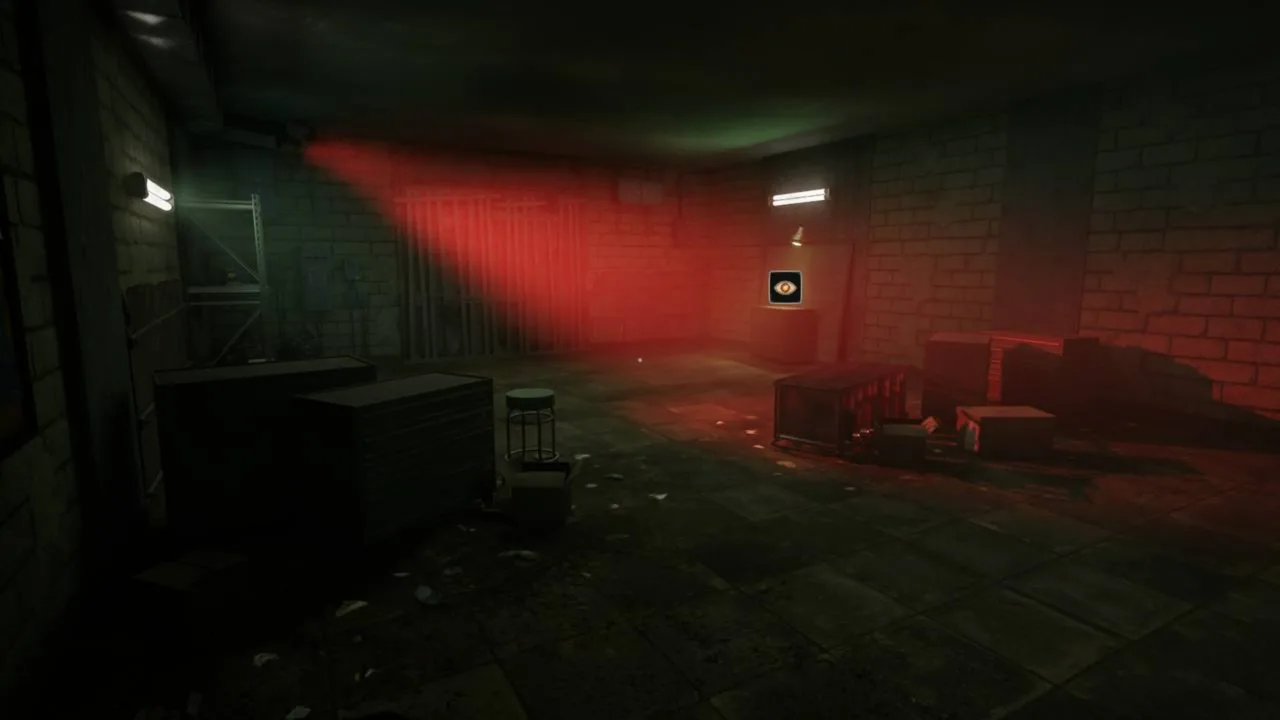 Image: Steam / AleksandrGlock
Enable English subtitles in the full game to make dialogue easier to follow. The earlier demo drew complaints about difficult-to-understand walkie-talkie speech, especially around the clock-and-stones challenge. Reading the wording alongside the audio helps you separate the instruction from the atmosphere.
For this Within walkthrough, keep a short clue record rather than relying on memory. Write down exact wording when it matters, then add your interpretation separately. That distinction is useful when a cipher or secret sequence has several plausible readings.
Organize each puzzle around these questions:
- Goal: What result are you trying to produce?
- Clue: Which instruction or environmental detail relates to it?
- Input: What can you manipulate?
- Feedback: What visibly or audibly changes after an attempt?
For example, if you hear an instruction involving a clock and stones, record those terms before deciding what relationship they describe. Avoid replacing the original wording with an assumption such as “turn everything the same way.”
Read notes whenever you encounter them. Reading one note earns Mysterious Stranger, and written information deserves the same attention as spoken hints. Before experimenting with a mechanism, review the text already in front of you.
Use a simple puzzle log:
| Puzzle Element | What to Record | How to Use It |
|---|---|---|
| Spoken instruction | Relevant wording and named objects | Identify the action being requested |
| Written clue | Text, symbols, or sequences you encounter | Compare it with the puzzle’s inputs |
| Adjustable mechanism | Its starting arrangement | Keep track of what you changed |
| Attempt | The action and resulting feedback | Avoid repeating an unsuccessful idea |
| New interpretation | Why it fits the clue | Test a reasoned solution |
Keep entries brief enough to scan. “Lever changed; light turned red” is more useful than a long description of the room’s mood.
When you feel stuck, return to the original instruction before making another adjustment. A missed phrase can matter more than another round of experimentation.
Work Through Within’s Puzzle Types
Within’s puzzles involve ciphers, secret sequences, and environmental mechanisms. Match your method to the challenge instead of applying the same trial-and-error approach everywhere.
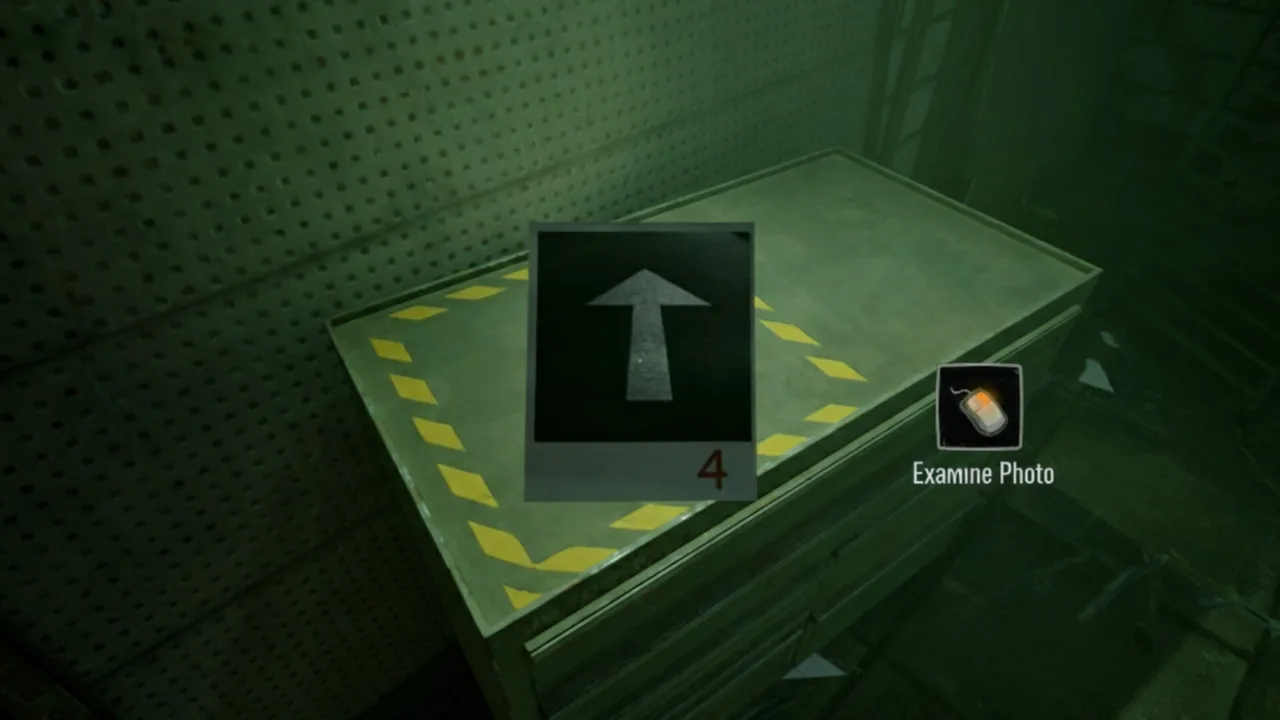 Image: Steam / AleksandrGlock
Codes and Secret Sequences
Inspect the information associated with the puzzle before entering an answer. Look for relationships between the clue and the available inputs, and preserve the order of symbols or words when recording them.
Separate two questions: what each element means, and how the elements should be arranged. You can identify the right pieces while still placing them in the wrong sequence.
Test one interpretation at a time. If an attempt fails, revisit the assumption behind it rather than immediately substituting random values. Write down why the next answer fits better.
Avoid turning every decorative detail into a clue. Prioritize information that connects to the captor’s instructions, readable notes, or the mechanism you are trying to operate.
The Clock and Tombstone Puzzle
The earlier demo includes a clock-and-tombstone challenge involving stones that players described turning. Difficulty understanding the spoken instruction was a recurring obstacle.
Use this Within walkthrough’s clue-first method here: capture the instruction, identify the adjustable stones, and track their arrangement before experimenting. Compare the clock and tombstone elements with the wording you heard.
Keep interpretation and manipulation separate. Decide what the instruction asks for before changing the stones, then assess the result of that specific idea.
The developer placed the demo puzzle’s average solving time at 7–10 minutes. Give yourself room to think through the relationship instead of treating several minutes of confusion as proof that the puzzle has broken.
That estimate applies to the demo challenge; it is not a time limit.
Light and Mirror Challenges
Light-based progression appears in the full game’s Master of Light achievement. The earlier demo also includes a mirror light-reflection puzzle.
For a reflection challenge, observe the light’s path before adjusting a mirror. Focus on the relationship between the light and the reflective surfaces you can manipulate.
Change one element at a time and inspect the result. Several simultaneous adjustments make it harder to identify which change affected the path.
Keep your attention on the mechanism’s feedback. The threatening atmosphere can distract you from the small visual difference your adjustment produces.
Levers and the Dock Area
The full game includes a lever puzzle associated with Truly Challenging. In the earlier demo’s dock area, a player described an upper-platform switch, lowered levers, and a light turning red without apparent progress.
Avoid assuming that lowering every lever is the objective. Work from the instruction and inspect what changes after each interaction.
Record the initial arrangement before testing a new combination. If the indicator changes color, note which action caused it rather than immediately interpreting the color as success or failure.
Review related switches as part of the same problem. Distinguish a control’s effect from your assumption about what that effect means.
The Demo’s Toilet Puzzle
The earlier demo includes a toilet puzzle with a hint. Read the hint carefully and relate its wording to the environmental interactions available around the puzzle.
Avoid using a later flood-related achievement as an automatic explanation for this demo challenge. Work with the instruction attached to the puzzle you are playing.
Use Achievements to Recognize Completed Challenges
Achievements give you concrete descriptions of several events and puzzle outcomes in the full game. They can help you recognize what you accomplished without turning every room into a checklist.
 Image: Steam / AleksandrGlock
This Within walkthrough groups them by their descriptions. The table is not a required route or a chronological level order.
| Achievement | Described Event |
|---|---|
| Mysterious Stranger | Read one note |
| Just Another Tuesday | Solve the first puzzle before the strange events begin |
| Waterflow | Cause a flood |
| One-Way Ticket | Fall into a trap |
| Master of Light | Advance using light |
| Can't Catch Me | Successfully bypass the cameras |
| The Shining | Break down three doors with an axe |
| Truly Challenging | Solve the lever puzzle |
| I'm Back | Survive the fall |
| Rest in Peace | Solve the abandoned warehouse puzzle |
Use Master of Light and Truly Challenging to recognize completion of their respective challenges. Keep the achievement description separate from the solution: the name identifies the accomplishment, while the room’s clues guide your actions.
For Can't Catch Me, pay attention to the cameras as environmental obstacles. Inspect their placement before attempting to pass them, and keep the objective—successfully bypassing them—in mind.
For The Shining, the stated requirement is breaking down three doors with an axe. Count completed door breaks when pursuing that achievement instead of relying on memory.
The abandoned warehouse puzzle has its own achievement, Rest in Peace. When you reach that challenge, apply the same process: read the instruction, identify the mechanism, and track the effects of your attempts.
Several achievement descriptions reveal story events, including a trap and a fall. If you want fewer spoilers, consult only the entry relevant to your current obstacle.
Handle Car Problems, Freezes, and Crashes
A stalled interaction can resemble an unsolved puzzle. Before repeating the same action, check whether you have met the stated condition and whether the game still responds normally.
The October 12, 2026 hotfix addressed several bugs and logic issues, slightly improved performance, and updated the credits. Install the latest update before troubleshooting a launch-version problem.
Use this Within walkthrough to distinguish the specific issues below:
| Issue | Relevant Version or Situation | Practical Next Step |
|---|---|---|
| Car becomes unusable | Full game, after raising the barrier | Enter from ground level; avoid standing on the car |
| Opening freezes after a button press | Earlier demo | Record the exact point where the scene stops |
| Dialogue is difficult to understand | Earlier demo walkie-talkie speech | Use English subtitles when playing the full game |
| Fatal error | Launch-period full game | Include system specifications in a bug report |
| Black screen or broken opening video | Demo on Linux | Use Windows for the supported platform experience |
Getting Into the Car
The car should work once the barrier is raised. The “I can go now” prompt indicates that it should be drivable.
Approach from ground level. Getting into the car while standing on it caused abnormal behavior that the developer acknowledged.
If the barrier is open and the prompt has appeared but the car remains unusable, record those details. They help distinguish an interaction failure from an unmet condition. Repeated clicking does little to clarify the problem.
Reporting a Persistent Problem
The earlier demo could freeze immediately after the animated button press in its opening scene. Treat that exact stopping point as a technical issue when describing the problem.
Include the information needed to reproduce it:
- What stopped working.
- What you did immediately beforehand.
- Whether you were playing the demo or full game.
- Your operating system, graphics card, CPU, and RAM.
- A screenshot or short recording, if available.
Keep the description concrete. “Barrier raised, prompt appeared, entered car from ground level, then interaction stopped” gives the developer a clearer starting point than “the car is broken.”
Within supports Windows. Linux demo experiences included black screens and missing opening video, and the developer’s focus remains Windows. Check the Within Steam page when choosing between the full game and demo.
FAQ
What should I focus on in a Within walkthrough?
Focus on the captor’s instructions, readable notes, ciphers, and environmental mechanisms. Record the clue before experimenting, then change one input at a time so you can connect each action with its result.
How do I approach the clock and tombstone puzzle?
In the earlier demo, start by understanding the spoken instruction and tracking the adjustable stones. Compare the clock and tombstone elements with that wording before testing an arrangement. The developer estimated an average solving time of 7–10 minutes.
Why can’t I drive the car after opening the barrier?
The car should work after the barrier rises and the “I can go now” prompt appears. Enter from ground level rather than standing on the vehicle. If interaction still stops, describe the barrier state, prompt, and entry position in your bug report.
Is Within available for free?
The full game is paid, and a free Within Demo is available on Steam. Both support Windows. The full game requires 10 GB of available storage, while the demo requires 5 GB.
Continue with
Within Patch Notes: V-Sync, Performance, and FixesWithin patch notes cover V-Sync, graphics presets, resolution fixes, and steadier physics. Get the October update rundown and adjust your settings on PC.More in Guide
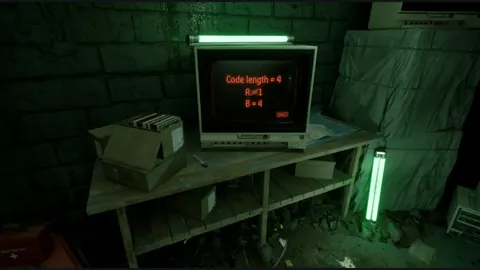
Within Level Selection: Demo Console and Puzzle Help
Within level selection help for the demo, including the ChairLvl console command, puzzle roadblocks, and update fixes. Get back to exploring with tips.
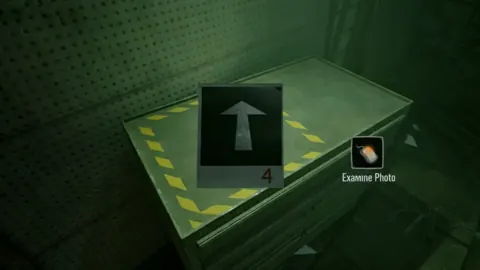
Within Achievements: Steam Unlocks and Puzzle Guide
Track Within achievements with a clear Steam checklist, puzzle tips, unlock requirements, and troubleshooting advice. Plan your run and tackle each trial.
Within Beginner Guide: Puzzle Tips and Getting Started
Use this Within beginner guide to get started, read puzzle clues, handle camera sections, and avoid common demo issues before exploring the full PC game.
Within Difficulty: Puzzle Tips to Keep You Moving Forward
Understand Within difficulty, tackle tricky puzzles, improve dialogue clarity, and spot technical problems. Get practical tips before your playthrough.
Join the community
Official channels for news, updates and player help: