
Within Editions Explained: Full Game and Demo Compared
Compare Within editions, explore the full game and free demo, check Windows requirements, and learn what to consider before starting this puzzle thriller.
Jump to
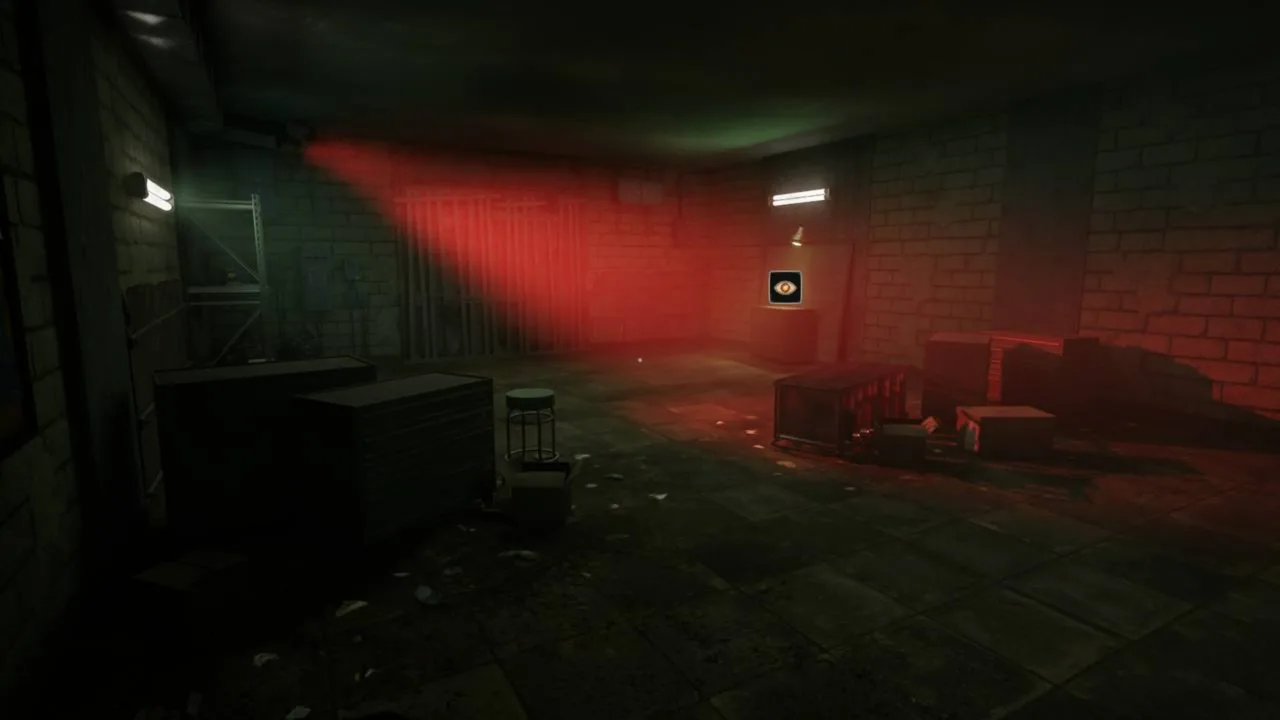
Latest verified facts — Checked October 19, 2026 against the official store listings: Steam
- Within was released on October 11, 2026.
- Platforms: Steam, Windows.
Within Editions: What You Can Play
Within puts you on the trail of a criminal, then turns that investigation into a fight to escape. Understanding Within editions helps you choose between the free demo and the full game without confusing their content or hardware requirements. This Within editions guide covers those two Steam versions, the launch details, and the practical differences to check before you start.
The game centers on first-person exploration, puzzles, and a threatening story. You move through grim locations while unraveling a crime, with the central premise gradually shifting your role from pursuer to potential victim. The developer also describes it as a dark walking simulator with puzzle elements, which gives you a useful sense of its exploration-focused direction.
Here are the two versions to distinguish:
| Detail | Within Full Game | Within Demo |
|---|---|---|
| Steam app ID | 3580070 | 4377840 |
| Version | Full game | Demo linked to Within |
| Release date | October 11, 2026 | February 12, 2026 |
| Platform | Windows | Windows |
| Play mode | Single-player | Single-player |
| Storage requirement | 10 GB | 5 GB |
| Free access | Purchase the full game | Free demo |
The separate app IDs matter when downloading. The demo has its own Steam page and installation, while the full game uses the main Within page. Check the name before installing so you launch the version you intended.
Download the free Within Demo on Steam to explore its atmosphere and puzzles. For the complete release, view Within on Steam.
Keep the distinction simple: the demo is a preview, and the full game is the complete release. Their similar descriptions do not make them interchangeable downloads.
Full Game Features and the Demo’s Scope
The central experience across these Within editions is a first-person puzzle thriller. Exploration and problem-solving drive the premise, while the story places you in increasingly dangerous circumstances. Expect the investigation itself to be part of the tension: getting closer to the truth also brings you closer to the criminal behind it.
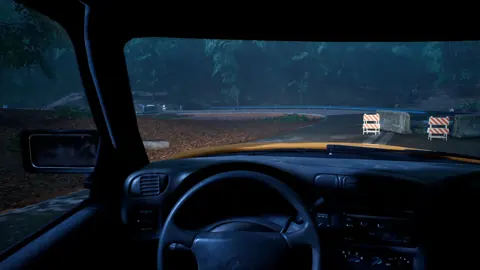
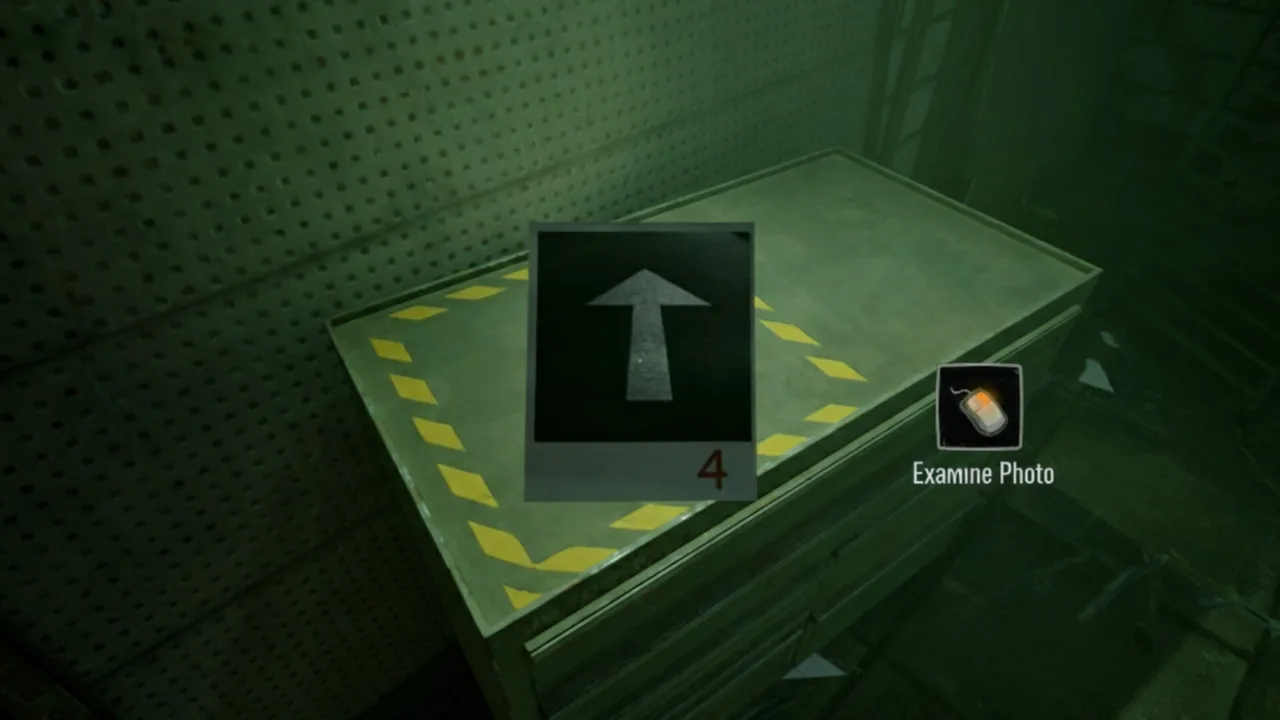 Image: Steam / AleksandrGlock
The demo introduces the atmosphere, puzzles, and story. Its announcement invites players to experience those elements and give feedback on balance and bugs. It is a development-era preview rather than the complete journey.
The full game’s achievement objectives give a more concrete picture of its activities without requiring a puzzle walkthrough:
| Full Game Activity | Related Achievement | Objective |
|---|---|---|
| Reading | Mysterious Stranger | Read a note |
| Light-based progression | Master of Light | Advance using light |
| Avoiding surveillance | Can't Catch Me | Successfully bypass cameras |
| Puzzle-solving | Truly Challenging | Solve the lever puzzle |
| Environmental interaction | The Shining | Break down three doors with an axe |
These objectives show a mix of reading, environmental interactions, and obstacles. They also help set expectations beyond the broad thriller label. Within includes specific puzzle challenges alongside its story and threatening setting.
Read notes as you encounter them. Reading is an explicit achievement objective, and the game revolves around unraveling a crime. Give the text your attention before returning to an environmental puzzle.
For light and lever puzzles, examine the relevant objects before interacting repeatedly. Focus on the puzzle in front of you and watch for changes after each action. This keeps your attempts deliberate without requiring a spoiler-heavy solution.
The demo and full game also differ in their Steam features. The full release includes Steam Achievements and Family Sharing. The demo carries accessibility categories for playing at your own pace and playing without timed input. Keep those labels attached to the version they describe.
When comparing Within editions, use the demo to explore the game’s style and the full release to pursue its complete story and achievement objectives. Avoid expecting a preview to contain every activity associated with the finished game.
Release Date and Launch Offer
Within’s full game released on October 11, 2026. The demo arrived earlier, on February 12, 2026, giving players a separate preview before launch.
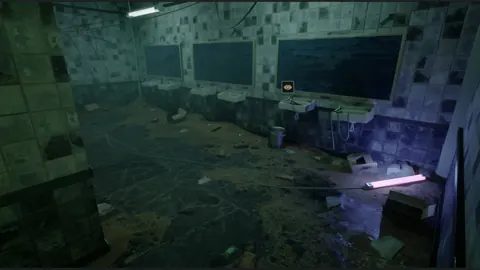
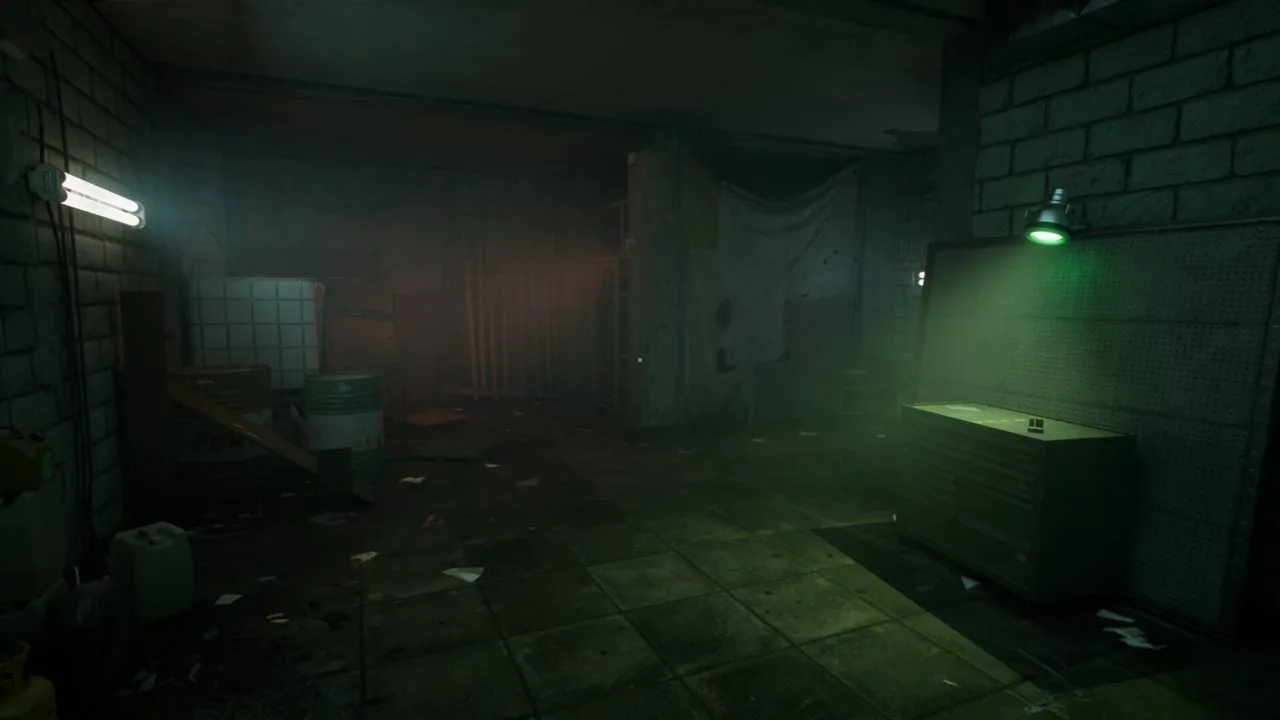 Image: Steam / AleksandrGlock
The full release launched with a 10% discount for its first week. That offer applies to the launch period; check the purchase page for the amount displayed when you buy.
| Release Detail | Date or Offer |
|---|---|
| Within Demo release | February 12, 2026 |
| Within full game release | October 11, 2026 |
| Launch discount | 10% |
| Announced discount period | First week |
| Release platform covered here | Steam on Windows |
For players comparing Within editions, the release timeline explains why the demo deserves its own expectations. It predates the finished game by months. Its build, feature set, and technical behavior should be considered separately from the full release.
The full game is available now, so you can move directly to its purchase page rather than waiting for a future launch. The free demo remains a separate option for exploring the premise.
Before checking out, take a moment to review the product name, displayed price, and Windows requirements. Those checks are more useful than assuming the smaller demo download represents everything about the full game.
The launch discount changes the purchase price during its offer period. The demo serves a different purpose: it gives you free access to a preview. Decide whether you want that preview or the complete release before choosing a download.
If you already played the demo earlier in the year, remember which version you experienced. Evaluate the full game as its own release, especially when comparing storage and memory requirements. The two installations have distinct specifications even though they share the same underlying premise.
Windows Requirements: Demo vs. Full Game
Both versions support Windows, with Windows 10 or Windows 11 in 64-bit form required. Mac and Linux are not supported platforms for these releases.
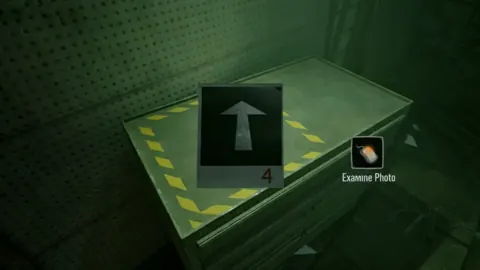
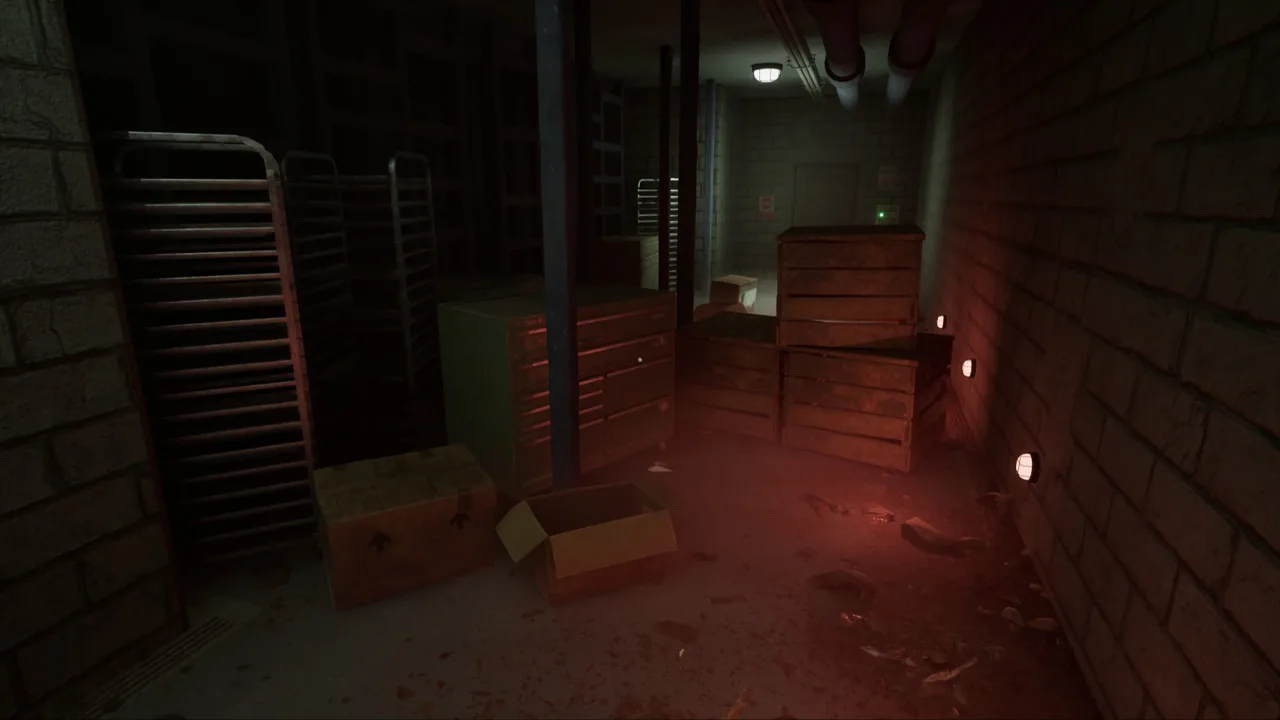 Image: Steam / AleksandrGlock
The clearest differences between Within editions are minimum memory and storage. The demo requires 12 GB of RAM and 5 GB of available space. The full game raises those figures to 16 GB of RAM and 10 GB of available space.
| Requirement | Demo Minimum | Full Game Minimum | Demo Recommended | Full Game Recommended |
|---|---|---|---|---|
| Operating system | Windows 10 / 11, 64-bit | Windows 10 / 11, 64-bit | Windows 10 / 11, 64-bit | Windows 10 / 11, 64-bit |
| Processor | Intel Core i3 | Intel Core i3 | Intel Core i5 | Intel Core i5 |
| Memory | 12 GB RAM | 16 GB RAM | 32 GB RAM | 32 GB RAM |
| Available storage | 5 GB | 10 GB | 5 GB | 10 GB |
The full game requires twice the storage space of the demo and 4 GB more RAM at the minimum level. Both versions recommend 32 GB of RAM.
Check your installed memory before purchasing. A PC with 12 GB of RAM reaches the demo’s minimum memory requirement but falls below the full game’s 16 GB minimum. That difference matters even if you have already installed the preview.
Check available disk space as well. The figures describe available space, so compare them with free capacity on the drive you plan to use. Having a drive larger than 10 GB is different from having 10 GB available for the game.
Review your exact processor and graphics hardware on the relevant Steam page before downloading. The processor requirements use broad Intel Core i3 and Core i5 names, so compare your actual system rather than relying on the family name alone.
Both versions support English and Russian. English has full audio support in the full game, while the demo identifies full audio support for both languages. Choose your preferred supported language before settling into the story.
Use the requirements for the version you intend to play. The smaller preview has its own specifications; the complete game needs a separate hardware check.
What to Check Before You Start
Choosing between Within editions is only part of getting ready. Once you have picked a version, a few focused checks will help you approach its puzzles and handle technical trouble clearly.
Keep the Version Straight
Check whether you are launching Within or Within Demo. Use that exact name when discussing a problem or comparing requirements.
That distinction matters because the demo had reports of freezing during its opening sequence. The full game also received a crash complaint after launch. These are separate technical problems associated with different versions, rather than one shared diagnosis.
If the demo freezes, describe the demo problem specifically. Avoid assuming that a failure in the preview tells you how the complete release will behave.
Approach Puzzles Deliberately
Within combines story exploration with puzzles, so give both parts your attention:
- Read notes instead of immediately returning to switches or levers.
- Examine the objects involved in the current puzzle.
- Watch what changes after an interaction.
- Keep track of the actions you have already tried.
- Avoid achievement descriptions if you prefer discovering activities without hints.
For a lever puzzle, track your interactions rather than repeating the same sequence without noticing the result. For light-based progression, examine the light and surrounding environment. These habits follow the game’s documented activities without giving away solutions.
Make Bug Reports Useful
If something breaks, record what happened and what you were doing immediately beforehand. Include your operating system, graphics card, CPU, and RAM, especially for crashes or performance trouble.
Add a screenshot or short recording when it captures the issue. A clear description of the failure and the actions leading to it gives the developer something specific to investigate.
For example, distinguish a frozen opening scene from a crash that closes the game. Describe the interaction that preceded the problem instead of reporting only that the game stopped working.
Whether you start with the free preview or the complete release, keep your expectations tied to that version. Check the appropriate requirements, take time with the puzzles, and identify the exact build when asking for technical help.
FAQ
What Within editions are available on Steam?
Steam has the full game, Within, and a separate Within Demo. The full game uses app ID 3580070, while the demo uses app ID 4377840. Both are single-player Windows releases.
Is the Within Demo free?
Yes. Within Demo is free on Steam and released on February 12, 2026. It introduces the game’s atmosphere, puzzles, and story through a preview separate from the full release.
When did the full version of Within release?
Within released on October 11, 2026. It launched with a 10% discount for the first week. Check the full game’s Steam purchase page for the price displayed when you buy.
Do the demo and full game have the same requirements?
They share Windows 10 / 11 64-bit support, but their minimum memory and storage requirements differ. The demo needs 12 GB of RAM and 5 GB of space; the full game needs 16 GB of RAM and 10 GB of space. Both recommend 32 GB of RAM.
Continue with
 Within Release Date Countdown: Launch Is Here on PCThe Within release date countdown is over: explore the October 11 PC launch, free demo, launch discount, and what to check before playing on Steam today.
More in Release
Within Developer and Publisher: Who Made the Game?
Explore Within developer and publisher details, meet AleksandrGlock, and learn about the solo project, Steam release, demo, and player support options.
Within Roadmap: Launch, Demo, and Update Priorities
Explore the Within roadmap, full-game launch, free demo, subtitle improvements, and bug fixes. Plan your next steps in this atmospheric puzzle thriller.
Join the community
Official channels for news, updates and player help: