
Within Roadmap: Launch, Demo, and Update Priorities
Explore the Within roadmap, full-game launch, free demo, subtitle improvements, and bug fixes. Plan your next steps in this atmospheric puzzle thriller.
Jump to
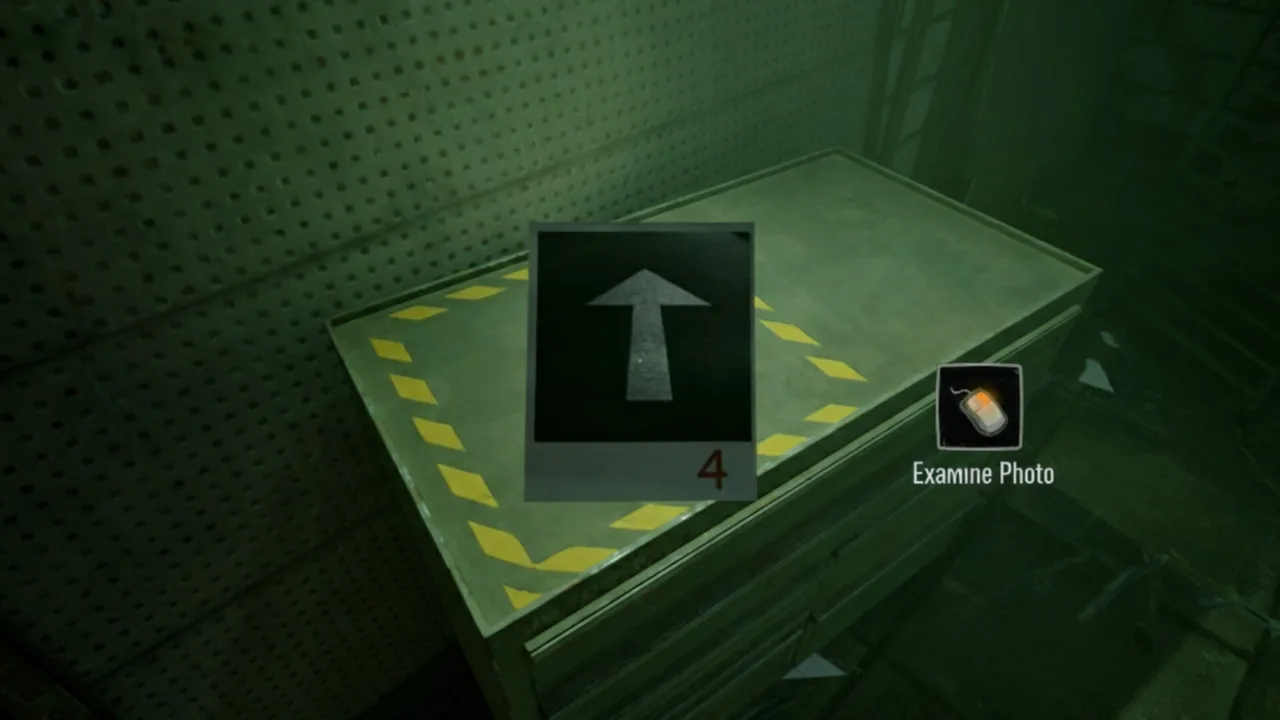
Latest verified facts — Checked October 19, 2026 against the official store listings: Steam
- Within was released on October 11, 2026.
- Platforms: Steam, Windows.
Within Roadmap: Where the Game Stands Now
The Within roadmap has reached a major milestone: the full game is available on Steam. That matters because you can move beyond the older demo and play the full version, with subtitles for every line of dialogue and a volume control setting. If you’re following the Within roadmap, focus on the launch, the differences between versions, and the car interaction fix the developer has committed to making.
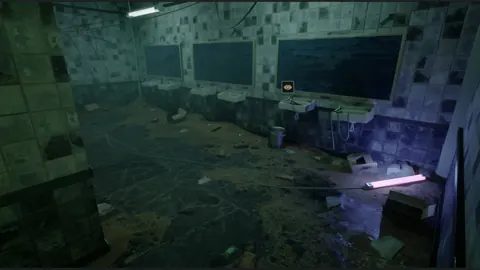
Within is a single-player, first-person thriller built around exploration, puzzles, and a crime that becomes increasingly dangerous to investigate. You pursue the truth through grim locations while facing a criminal who can turn the hunt against you. The developer also describes the game as a dark walking simulator, putting atmosphere and story alongside its puzzle challenges.
Here are the release milestones and changes that matter when deciding what to play:
| Milestone or feature | Date or status | What it means for you |
|---|---|---|
| Within Demo release | February 12, 2026 | A free Windows demo introduces the atmosphere, puzzles, and story |
| Full-game release date | October 11, 2026 | Within is available on Steam |
| Launch promotion | 10% discount for the first week | The release includes a limited launch offer |
| Dialogue subtitles | Added to the main game | Spoken instructions have a text counterpart |
| Volume control setting | Added to the main game | You can adjust audio volume |
| Car interaction correction | Developer has committed to a fix | Entering the car while standing on it is an identified problem |
These milestones give you something more useful than a speculative calendar: a clear distinction between what you can play now, improvements already made, and an interaction issue being addressed.
Visit the Within Steam page to check the purchase options and current promotion before buying.
The Free Demo and Full Game Serve Different Purposes
The demo gives you an introduction to Within’s particular mix of tension, exploration, and puzzle solving. It is free, runs on Windows, and connects to the same full game. Use it to decide whether investigating unsettling locations and working through environmental challenges appeals to you.
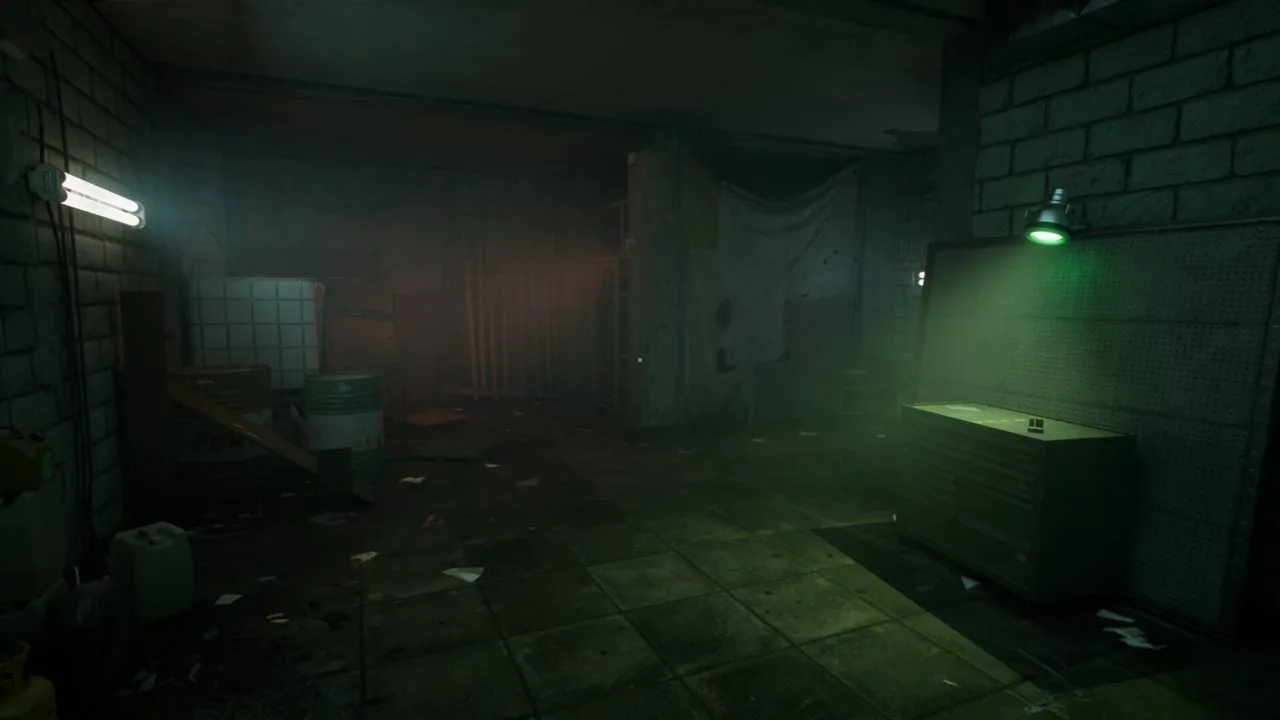 Image: Steam / AleksandrGlock
The full game expands beyond that introduction. Its development announcements describe additional mechanics, details, and story secrets beyond the demo. More importantly for anyone who struggled to understand spoken clues, the main game includes dialogue subtitles and a volume control setting.
The Within roadmap makes more sense when you keep those versions separate. The demo is an older build, so its technical problems and presentation should be discussed as demo issues rather than automatically applied to the released game.
| Detail | Within Demo | Within full game |
|---|---|---|
| Windows support | Yes | Yes |
| Single-player | Yes | Yes |
| Release date | February 12, 2026 | October 11, 2026 |
| Minimum RAM | 12 GB | 16 GB |
| Recommended RAM | 32 GB | 32 GB |
| Required storage | 5 GB | 10 GB |
| Dialogue improvements | Older demo build | Subtitles for every dialogue line and a volume control setting |
| Steam achievements | Separate demo categories | Steam Achievements supported |
Download the free Within Demo on Steam if you want an introduction before purchasing. Keep its smaller storage requirement in mind, but check the full game’s requirements separately before moving over.
Pay attention to the experience you actually want from the game. Within revolves around exploring, interpreting clues, and uncovering a threatening story. Its thriller premise creates pressure, while its puzzles demand attention to details and instructions.
Avoid judging the entire game by whether one demo puzzle clicks immediately. Assess the atmosphere, how you feel about the investigative setup, and whether you enjoy stopping to think through an environmental problem. Those are more relevant buying questions than expecting a particular combat system or assuming the demo represents every full-game mechanic.
Subtitles Address a Practical Puzzle Problem
Dialogue clarity matters when spoken information helps you understand a puzzle. Within’s walkie-talkie dialogue drew complaints during the demo period, including difficulty understanding instructions connected to the clock-and-tombstone challenge.
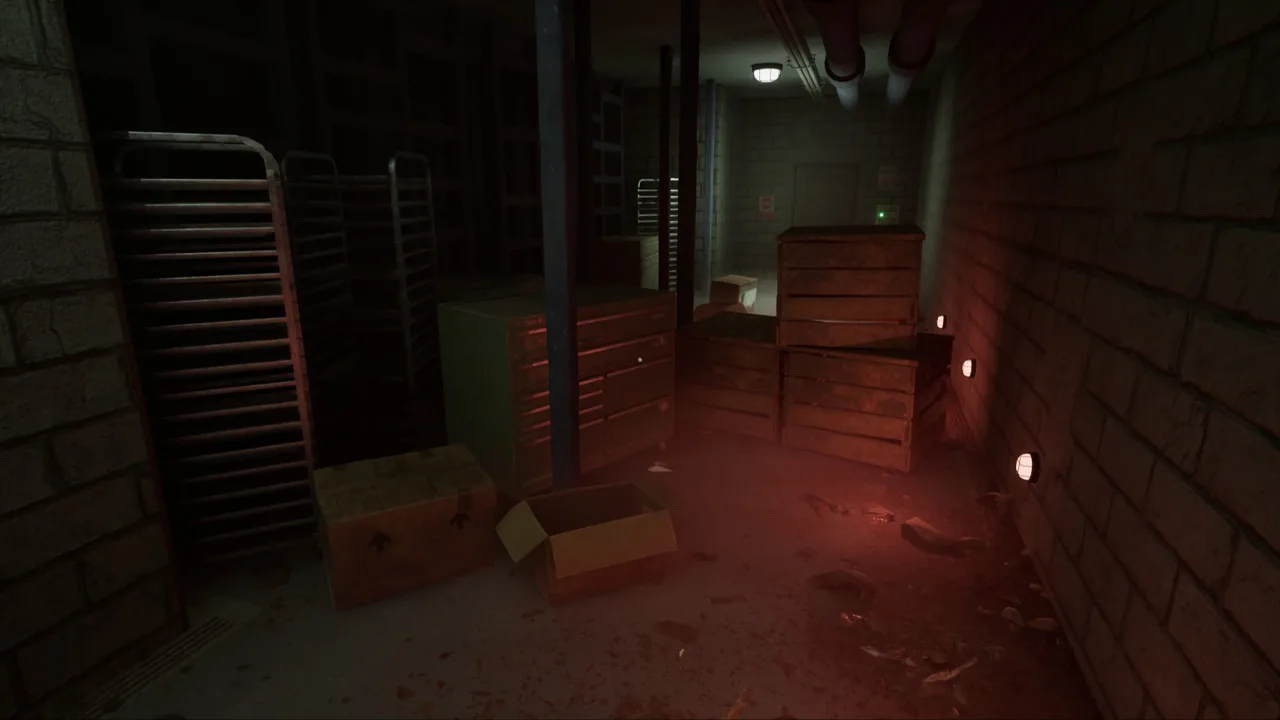 Image: Steam / AleksandrGlock
The main game now includes subtitles for every line of dialogue, alongside a volume control setting. This is a concrete improvement already delivered, and an important part of the Within roadmap for players returning after the demo.
Use the subtitles to check the wording of a clue before changing more objects. Adjust the volume when speech is difficult to hear. Read the notes you encounter, too: reading a note is part of the game’s achievement system, and written information belongs alongside dialogue when you investigate the environment.
Approach Puzzle Feedback Carefully
The clock-and-tombstone puzzle produced sharply different reactions. Several players struggled to understand it, while the developer described it as solvable and moderately challenging. That disagreement makes clarity a useful focus without turning difficulty into a promise of a redesign.
When you get stuck, distinguish between two questions: whether you understand the instruction and whether you understand how to apply it. Subtitles address the wording of spoken dialogue; solving the puzzle still requires interpreting the situation.
Try these habits while working through Within’s environmental challenges:
- Read dialogue subtitles before committing to an interpretation.
- Revisit nearby notes when an instruction feels incomplete.
- Compare the state of lights and objects before and after an interaction.
- Keep track of which levers or switches you changed.
- Describe the exact obstacle when asking for help.
These habits also make a bug report more useful if an interaction fails. “The light turned red after I lowered the levers” communicates more than “the puzzle doesn’t work,” even when you still need help understanding the intended result.
Existing Achievements Point to Gameplay Variety
Within’s achievements include reading notes, progressing with light, bypassing cameras, breaking three doors with an axe, solving a lever puzzle, and completing a puzzle in an abandoned warehouse.
Those objectives belong to the playable game. Use them as a glimpse of its existing activities, rather than a schedule of future additions. If you want to avoid story spoilers, leave the detailed achievement list until after exploring.
Car Interactions, Crashes, and Demo Freezes
Technical issues are another practical reason to follow the Within roadmap. The useful distinction is between a specific correction the developer has promised, a full-game crash complaint, and problems involving the older demo.
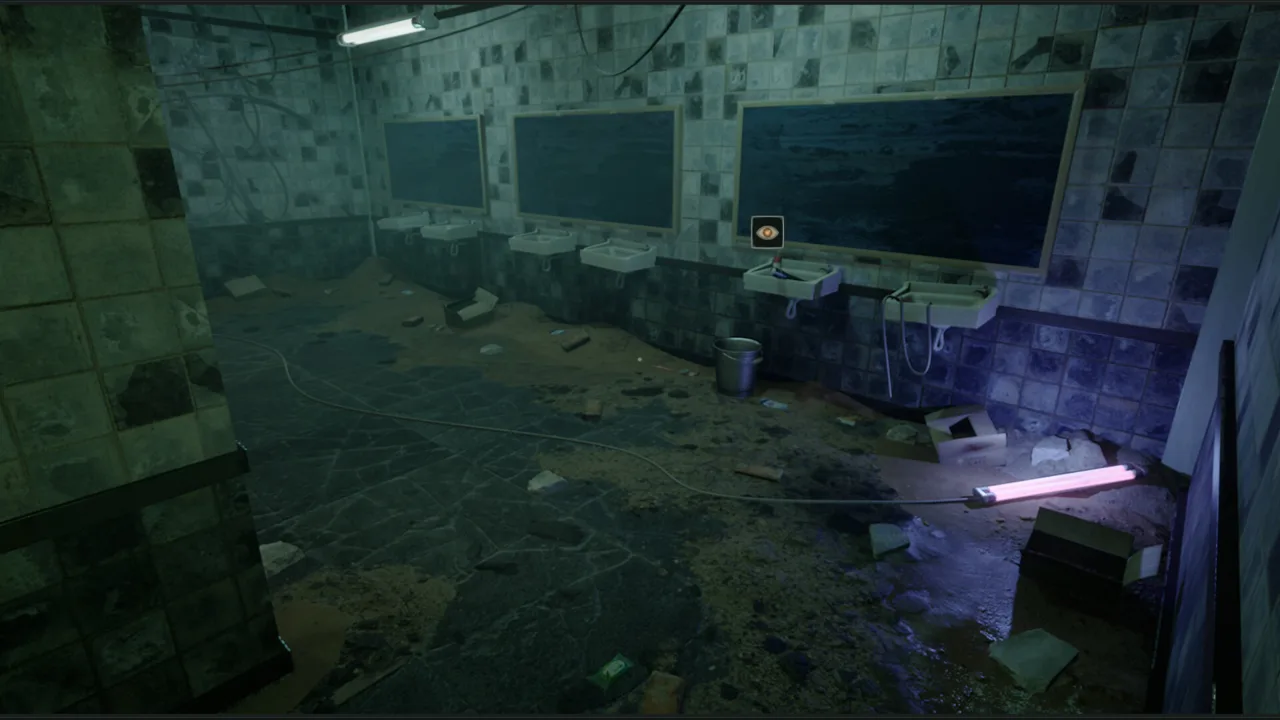 Image: Steam / AleksandrGlock
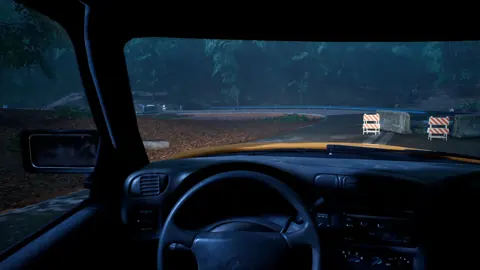
The car issue has the clearest response. A player became stuck after raising the barrier and entering the vehicle. The developer investigated and identified standing on the car before entering it as a problematic interaction, then committed to fixing that behavior.
The intended sequence is straightforward: raise the barrier, wait for the “I can go now” prompt, and enter the car from the ground. Avoid climbing onto the vehicle before trying to get inside.
| Issue | Version or situation | Action to take |
|---|---|---|
| Unusable car after entry | Full-game car interaction | Enter from the ground after the barrier opens and the prompt appears |
| Strange behavior when entering from above | Standing on the car before entry | Avoid that entry position; the developer has committed to correcting it |
| Fatal error | Full-game crash complaint | Record the error and what happened immediately beforehand |
| Opening sequence freezes after a button press | Older demo build | Report the freeze as a demo issue and include system specifications |
| Difficult-to-understand walkie-talkie speech | Demo dialogue | Use the main game’s subtitles and volume setting when playing that version |
A full-game review includes a fatal-error complaint, but a short error message does not identify its cause. Report your own circumstances precisely instead of assuming every crash has the same explanation.
For the demo freeze, the important detail is that the application can remain running while the sequence stops progressing. Include that distinction in your description. A frozen scene and an application that closes completely give the developer different information to investigate.
Make Your Bug Report Reproducible
The developer’s bug-report format asks for an issue description and detailed reproduction steps. System specifications and a screenshot or short video are additional useful details, especially for crashes and performance problems.
Include:
- What stopped working and what you expected to happen.
- The actions immediately before the problem.
- Whether you were playing the demo or full game.
- Your operating system, graphics card, processor, and RAM.
- The exact error text, when an error appears.
- A screenshot or recording showing the problem, when possible.
For the car, specify whether the barrier was open, whether the prompt appeared, and where you stood before entering. That information directly relates to the interaction already identified.
Prepare for the Released Windows Version
Following the Within roadmap should help you make practical decisions about playing. Start by checking your computer against the full game’s requirements, even if the demo already runs.
The full game requires more RAM and storage than the demo. Both versions specify 64-bit Windows 10 or Windows 11, while the full game calls for 16 GB of RAM and 10 GB of available space.
| Requirement | Full-game minimum | Full-game recommended |
|---|---|---|
| Operating system | Windows 10 or 11, 64-bit | Windows 10 or 11, 64-bit |
| Processor | Intel Core i3 | Intel Core i5 |
| Memory | 16 GB RAM | 32 GB RAM |
| Storage | 10 GB available space | 10 GB available space |
Check the processor and graphics requirements on the official Within Steam store page before purchasing. Compare your actual hardware rather than assuming that a processor family name alone settles performance.
Once you begin, use the dialogue improvements early. Read the subtitles, adjust volume for intelligibility, and examine notes as you explore. When a puzzle becomes confusing, record the instruction and the environmental change instead of repeatedly interacting without tracking the results.
Keep your update expectations tied to concrete changes. The main-game subtitle improvement is already delivered. The car-entry correction is a specific commitment to watch. Other technical complaints benefit from detailed reports that identify the version and circumstances.
For your next session, prioritize what affects your ability to play: readable instructions, functioning interactions, and hardware preparation. Within’s atmosphere depends on staying engaged with its mystery, and clear information helps you spend more time solving that mystery.
FAQ
What does the Within roadmap cover right now?
The Within roadmap centers on the released full game, the earlier free demo, delivered dialogue subtitles and volume controls, and the developer’s commitment to fix problematic car entry from above.
Is Within available on Steam?
Yes. Within is available on Steam, with an October 11, 2026 release date. Its launch promotion offers a 10% discount during the first week.
Does the full version of Within have subtitles?
Yes. The main game includes subtitles for every line of dialogue and a volume control setting, addressing difficulties understanding speech during the demo period.
What should I do before entering the car?
Raise the barrier, wait for the “I can go now” prompt, and approach from the ground. Avoid standing on the car before entering. If it still becomes unusable, report the exact sequence and where you stood.
Continue with
 Within Developer and Publisher: Who Made the Game?Explore Within developer and publisher details, meet AleksandrGlock, and learn about the solo project, Steam release, demo, and player support options.
More in Release

Within Editions Explained: Full Game and Demo Compared
Compare Within editions, explore the full game and free demo, check Windows requirements, and learn what to consider before starting this puzzle thriller.
Within Release Date Countdown: Launch Is Here on PC
The Within release date countdown is over: explore the October 11 PC launch, free demo, launch discount, and what to check before playing on Steam today.
Join the community
Official channels for news, updates and player help: